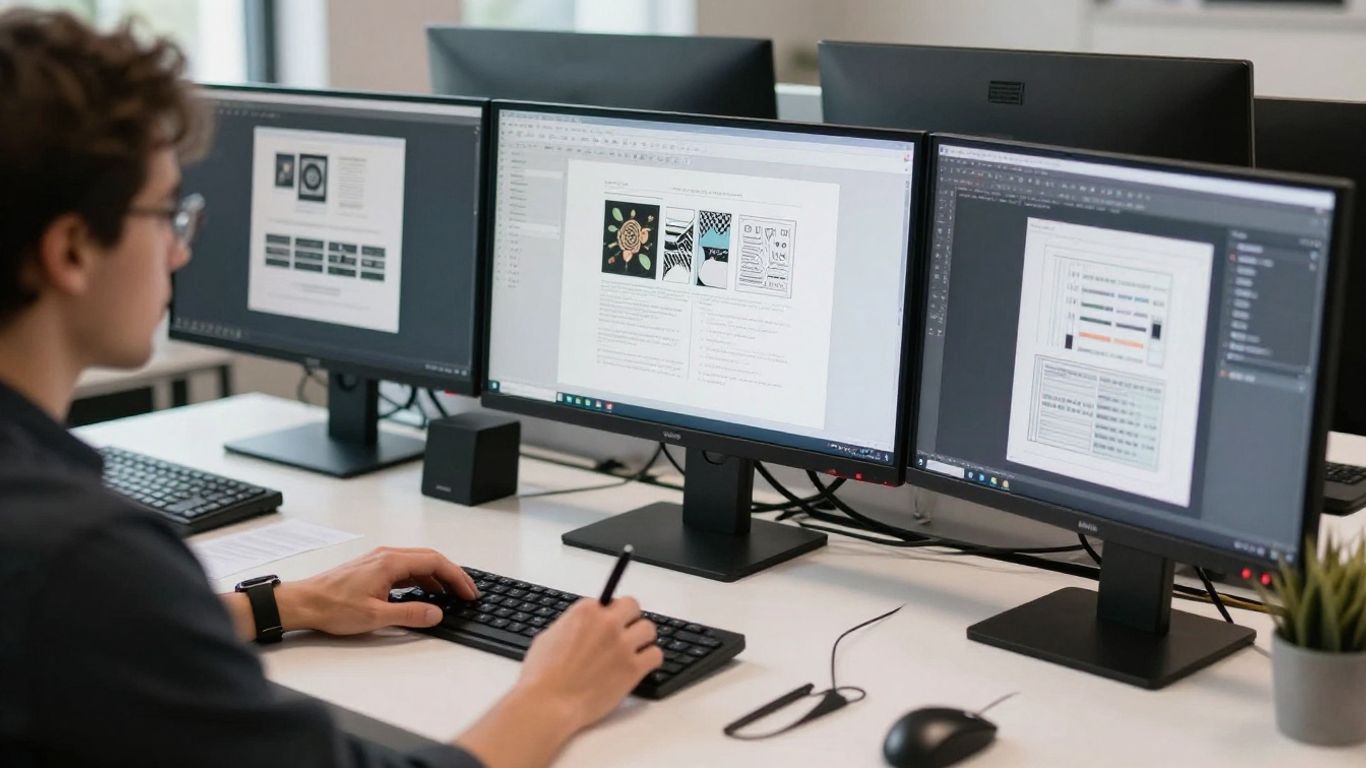
Automating routine project management reduces manual tracking efforts significantly.
Key Takeaways
Adopting sophisticated technology allows creative agencies to reclaim valuable hours throughout their busy work week. By integrating smart systems, studios can focus on creative excellence rather than tedious administrative overhead.
Automating routine project management reduces manual tracking efforts significantly.
AI tools streamline the conceptual design phase through rapid asset generation.
Batch processing imagery provides substantial time savings for delivery teams.
Centralised communication flow minimizes the number of feedback loops required.
Upskilling teams with automation ensures better output without personnel expansion.
Streamlining repetitive administrative tasks
Designers often find themselves bogged down by the mundane aspects of client management such as follow-ups and scheduling. By implementing strategic design and digital growth frameworks that rely on digital automation, studios can remove these distractions. This shift allows creative talent to spend their energy where it actually contributes to project success.
Automated client communication and scheduling
Transitioning to automated systems for booking meetings and sending reminders removes the need for manual calendar management. These tools keep your availability accurate across different time zones, ensuring that clients can book slots that work for both parties without back-and-forth emails.
Project management and timeline tracking
Keeping track of deadlines manually is a recipe for errors and missed milestones. You can use integrated dashboard tools to monitor progress in real time, making it easier to share updates with the team. When your digital growth studio team has visibility into every deliverable, projects run noticeably smoother.
Streamlined invoicing and billing workflows
Manual invoicing often leads to delayed payments and disjointed finance tracking. Many agencies now use automated triggers that generate invoices immediately upon project phase completion, significantly improving cash flow reliability without human intervention.
Accelerating the conceptual design phase
Getting a project off the ground often requires sifting through hundreds of rough ideas and visual references. By using intelligent generation tools, teams can quickly bridge the gap between a vague client request and a concrete visual direction. Creating innovative solutions that capture a brand's essence is much faster when you have a digital partner to provide initial layout suggestions.

Rapid mood board and asset generation
Instead of searching for hours in stock libraries, designers can generate initial mood boards using descriptive text inputs. This quick iterative process helps clients visualise a direction early on, ensuring that the creative team is aligned with the desired aesthetic before doing deep work.
Brainstorming effective prompts for brand identity
Developing a unique brand identity benefits from structured brainstorming where artificial intelligence offers unexpected combinations of color, typography, and mood. By treating these tools as a creative sparring partner, teams can find fresh visual narratives that they might have overlooked during a typical session.
Iterating on initial wireframe layout variations
To understand how different layouts perform, designers often create multiple variations for every screen. This stage now includes:
Automated grid alignment for consistent spacing across files.
Rapid generation of placeholder copy that reflects real user needs.
Instant conversion of site architecture into multiple prototype options.
Using these automated layouts allows teams to showcase diverse approaches to clients while keeping the core functionality intact. This flexibility ensures that the final result is always balanced and professional.
Optimising production and asset delivery
Once the design is fixed, the final production phase is often filled with repetitive file preparation tasks. Modern studios often leverage digital operating strategies that automate output requirements, turning this final stage into a seamless routine rather than a manual slog.
Batch editing and image enhancement tools
Editing assets one by one is an inefficient use of a designer's time. Batch processing tools can apply identical color profiles, filters, and light adjustments to thousands of assets at once, ensuring visual uniformity throughout a project while saving hours of manual labor.
Automated file resizing for multi-channel output
When assets are needed for different social platforms or web components, the manual resizing process is notoriously tedious. Advanced automation allows designers to create one set of high-resolution masters and produce perfectly formatted versions for every single platform automatically.
Version control and auto-generation of style guides
Maintaining a source of truth often requires keeping complex documentation up to date as the project evolves. Automated systems can sync changes made to the master design assets with the static style guides, ensuring the client receives accurate documentation that reflects the final deliverable without double-handling.
Integrating AI tools into existing design workflows
Incorporating new technology is rarely just about the software; it is about how that software fits into the established rhythm of your studio. By focusing on digital operation strategies that enhance human output, agencies can maintain quality while benefiting from the speed of automation. It is essential to select tools that integrate well with existing creative software.

Selecting the best AI tools for design studios
Choosing the right tools for AI tools for design studios involves looking at how well they fit into your current pipeline. Prioritize platforms that work within your existing software environment, as this reduces the friction of context-switching between different design programs.
Maintaining brand consistency in AI-generated assets
When using generative assets, maintaining a clear set of brand guidelines is crucial to keep the output feeling cohesive. By feeding the generator specific style inputs, studios ensure that everything produced remains in line with the client's established look, even when it is not directly created by a human artist.
Establishing internal ethical guidelines for AI use
Clear ethical boundaries define how your studio uses automation to support your work. As the industry evolves, setting internal standards about copyright transparency and data usage helps communicate value to clients and ensures the professional integrity of the work remains intact.
Reducing client feedback loops
Constant back-and-forth communication regarding design details often eats into project profitability. Providing clients with clear visuals early in the process creates a more predictable experience for both sides. By using automated analysis of meeting logs, studios can ensure that no key requirement goes unaddressed in the brief.
Using AI to generate instant design mockups
Clients appreciate visualising finished concepts early in the partnership. Generating instant high-fidelity mockups allows teams to test concepts quickly, ensuring that the final output satisfies expectations before the team invests heavily in final production.
Improving client communication via AI-summarised meeting notes
Transcription and summary tools keep meeting records clear and actionable. These summaries ensure that every stakeholder is aligned on the agreed-upon tasks and project goals, removing ambiguity about design instructions or project feedback.
Clarifying complex design briefs with automated data analysis
Analyzing a long, tangled brief can be a challenge for even the most experienced team. Automation clarifies these documents by grouping requirements, flagging critical constraints, and creating summaries that highlight the core business needs for the design team to address.
Upskilling your team without increasing headcount
Small teams often find it hard to scale their work without bringing on more people, but automation provides a significant capacity boost. By teaching the team how to work alongside these tools, you can handle more intricate tasks with fewer hands, keeping your studio agile and sustainable. The following comparison highlights how studios gain efficiency:
Process Category | Manual Time Investment | Automated Improvement |
|---|---|---|
Asset Sizing | 4 hours per project | < 30 minutes |
Asset Review | 6 hours per project | 1 hour |
Documentation | 2 hours per project | < 15 minutes |
This table illustrates just how dramatic the time savings can be when routine, repetitive tasks are handled by integrated software solutions rather than human effort. By reclaiming these hours, your designers can focus purely on creativity.
Learning advanced prompts to perform complex tasks
Creativity is amplified when team members develop a high level of expertise in prompting and system manipulation. Teaching your designers how to effectively communicate with these tools results in higher-quality assets, allowing them to exert more control over the creative output.
Scaling design output capacity with smaller creative teams
Efficiency is the secret to growth for smaller studios that do not want to sacrifice quality. With automation managing the heavy lifting of production, small teams can complete larger volumes of work while maintaining founder-level oversight on the conceptual quality of every design deliverable.
Customising AI models to match specific studio aesthetics
Every studio has a unique visual signature that defines its work. By fine-tuning models to learn your specific aesthetic preferences, your creative team can produce work that feels unmistakably yours, all while enjoying the speed of generative support.
Conclusion
Embracing automation is not about replacing the human touch but rather about making space for it by clearing away the administrative blockages. By strategically integrating these tools, small studios can deliver high-quality work, enjoy faster turnarounds, and ultimately achieve a more sustainable design practice that rewards both the creators and the clients.
Frequently Asked Questions
Can AI replace full-time design staff?
AI is best utilized as a supportive instrument that handles repetitive tasks, freeing up human designers to focus on high-level strategy and creativity. While it accelerates production, it does not replace the critical thinking and emotional intelligence that human designers bring to every project.
How does AI impact the quality of original design?
When used correctly, AI allows creators to iterate through more possibilities, which often leads to more refined and polished final assets. It serves as an extension of the creative process, though human oversight remains essential to ensure that the work meets quality and brand standards.
Do clients care if AI is used in their projects?
Most clients prioritize the quality of the result, the speed of delivery, and the alignment with their business goals. As long as the work is original and adheres to brand guidelines, the specific tools used to achieve that output are generally a secondary concern to the client's success.
How do I maintain brand consistency when using automated tools?
Consistency is maintained by establishing a strict set of brand documentation and ensuring that generative systems are constrained by your design guidelines. Using custom models or style-specific prompts helps ensure that every asset aligns with your existing visual identity.
What is the biggest hurdle in adopting design automation?
The primary challenge is often the mindset shift from manual execution to orchestration of automated processes. Once the team learns how to weave these tools into their daily workflow, the barrier to adoption usually disappears in favor of tangible efficiency gains.
Which types of tasks are best left to humans?
Tasks requiring deep contextual understanding, complex problem-solving across abstract requirements, and sensitive client relationship management should remain human-centric. Automation excels at defined, repeatable processes rather than sensitive, high-level strategic reasoning.
How can small studios start using automation today?
Start by auditing your workflow to identify the most repetitive, time-consuming tasks that do not require creative intuition. By introducing specialized automation for just one of these areas, you can see immediate results before deciding where and how to scale further.