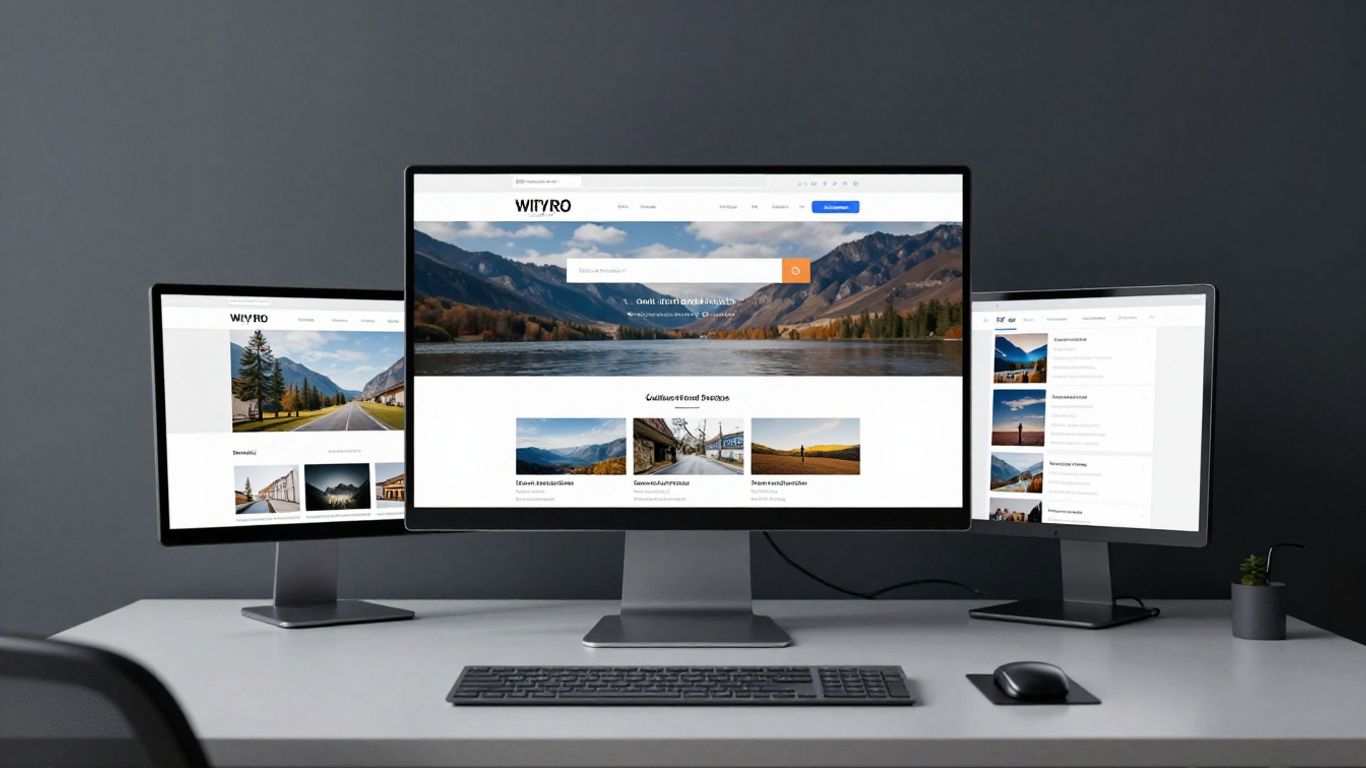
Centralise all programme documentation and communication within a single, unified database.
Key Takeaways
Transitioning to a structured digital environment allows creative teams to shift focus back toward artistic production. By standardising your workflows, you can improve transparency and maintain momentum across complex project cycles.
Centralise all programme documentation and communication within a single, unified database.
Utilise custom views to ensure different team roles access only the information relevant to them.
Implement automated milestones to track production timelines without manual oversight.
Store sensitive artist contracts and financial documents with clear, secure permission protocols.
Monitor project budgets using integrated formulas to gain real-time visibility into financial health.
Setting up your workspace for arts organisations
Building a functional digital space requires moving away from fragmented communications and disjointed file storage. As a UK-based strategic design and digital growth studio, Noran Design helps organisations establish clean systems that support long-term stability and growth. Centralising your operations reduces the daily cognitive load on your team, allowing the focus to remain on the artistic output rather than the mechanics of administration.
Using Notion for arts organisations to centralise operations
Adopting Notion for arts organisations provides a primary source of truth, replacing various scattered spreadsheets with a scalable database structure. By mapping out every facet of the creative workflow, teams can eliminate the need for constant status check-ins and instead rely on live updates within the platform.
Defining your core programme structure and databases
Start by creating parent databases for projects, artists, and venues, then link them through relational properties. This architecture ensures that a change in one area, such as a venue booking, automatically updates all associated production schedules.
Creating custom views for different team roles
Filters are vital for maintaining focus across diverse departments within an arts programme. You can design tailored views for curators, production managers, and finance officers, ensuring that they only see the data critical to their specific responsibilities.
Integrating your workflow with existing digital tools
Seamless connectivity between your core database and communication tools is essential for maintaining productivity. Establishing clear integration triggers ensures that notifications from external platforms arrive correctly within your workspace, preventing vital information from slipping through the cracks.
Tracking seasons and production timelines
Managing a full annual calendar requires precise scheduling to ensure that artistic goals are met alongside operational demands. Effective seasonal planning relies on establishing a reliable framework that accounts for the fluid nature of creative work.
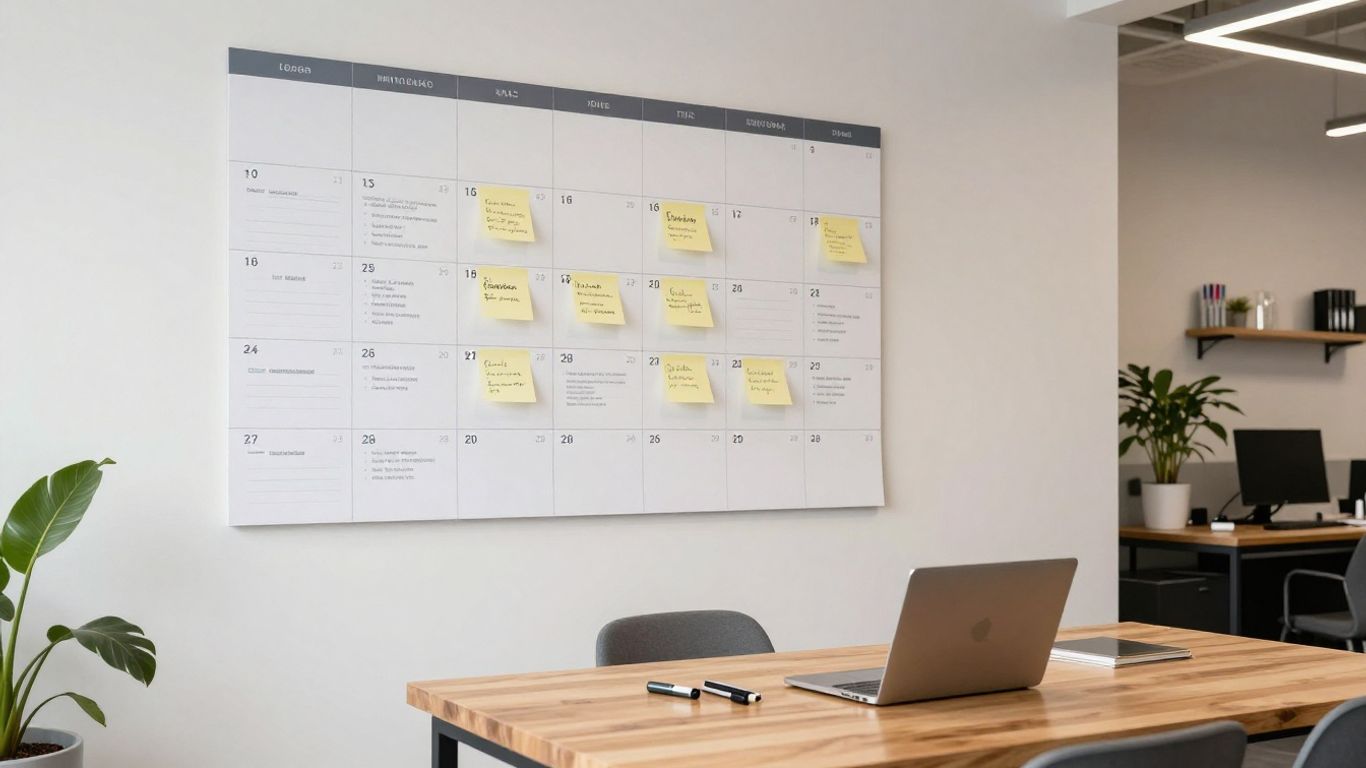
Mapping out the exhibition or performance calendar
Begin by visualising the entire year in a high-level master timeline, providing all stakeholders with visibility into busy periods. This bird's-eye view assists in identifying potential clashes before they become critical issues.
Using Gantt charts for milestone management
Visual tracking via Gantt charts allows you to identify overlaps and gaps in your production cycle at a glance. By clearly demarcating these milestones, you can move projects through stages with increased confidence and precision.
Managing dependencies between different project stages
Understanding how one task hinges on the completion of another is vital for avoiding bottlenecks in creative lead times. When you connect related items in your database, you establish a logical path that highlights exactly when the next team member can begin their work.
Setting up automated reminders for upcoming deadlines
Leveraging automated notifications enables teams to stay ahead of production milestones without constant manual intervention. These reminders serve as a reliable digital safety net that ensures no contract, delivery, or installation date is missed.
Managing artist contracts and documentation
Organising legal and creative documentation in a secure location is a cornerstone of professional arts management. By maintaining these records in one repository, you ensure consistent access for authorised team members while protecting sensitive information.
Setting up a structured document repository
Create a dedicated folder system that categorises materials by artist, contract type, or project year. This structured approach allows for rapid retrieval of information should questions arise during a project's lifecycle.
Implementing secure permissions for sensitive agreements
Digital safety requires strict control over who can view or edit sensitive documents, such as performance contracts or fee negotiations. Applying limited access levels ensures that only necessary stakeholders interact with private financial details.
Tracking payment schedules and invoice statuses
Maintaining a clear line of sight into financial commitments is necessary to avoid delays in paying artists and contractors. Tracking these statuses directly within your workspace provides a reliable method for managing cash flow.
Storing project assets and creative project briefs
Centralising your project briefs and high-resolution assets ensures that communication remains consistent across production and marketing teams. The following table illustrates a simple status tracking structure for artist contracts:
Contract Stage | Priority | Responsibility |
|---|---|---|
Pending Draft | High | Curator |
Under Review | Medium | Legal Team |
Finalised | Low | Production Mgr |
By keeping these statuses updated daily, you eliminate confusion while keeping administrative work light and efficient.
Financial planning and resource allocation
Balancing creative ambition with financial reality requires consistent tracking and reporting throughout the lifetime of a project. Whether managing grant funding or individual project budgets, keeping your numbers visible allows for proactive rather than reactive resource allocation.

Tracking income streams and grant funding applications
Establishing a pipeline view allows the management team to see the status of all funding sources, from pending grant applications to confirmed exhibition income. This clarity is essential for decision-making regarding which projects can proceed on an accelerated or delayed schedule.
Monitoring expenditure against specific project budgets
Keeping expenditure tracked allows organisations to stay within their allocated limits, providing a safety buffer for unexpected costs. To maintain this oversight, you should aim to follow these established accounting habits:
Conduct a weekly review of all line-item expenses against the initial project forecast.
Attach receipts to the specific database entry for easy auditing during project debriefs.
Forecast future expenditures to ensure budget remains until the official project end date.
Aggregate small, miscellaneous costs into a single category to maintain dashboard clarity.
By following this rhythm, your team can avoid end-of-project financial surprises and manage long-term sustainability effectively.
Managing venue availability and equipment logistics
Resource conflicts are common in busy arts programmes, so tracking physical assets alongside dates is a strategic necessity. By centralising your logistics, you ensure that equipment is never double-booked or left without a clear location path.
Visualising financial health with Notion formulas
Using formulas allows you to calculate remaining budget or total projected income directly from your data inputs. This automated calculation provides insight into the overall financial resilience of your arts programme, as Noran Design suggests in their work on digital operations.
Collaborating with internal and external teams
Effective collaboration requires a mix of openness and discretion, ensuring that the right people have the right information at the right time. For those working within complex creative environments, adopting clear collaboration standards acts as a bridge between internal staff and external partners.
Best practices for sharing pages with guest collaborators
When working with outside talent, sharing individual pages with guest access is safer than providing full workspace visibility. This strategy keeps your master files protected while still providing collaborators exactly what they need to contribute effectively.
Managing comments and task assignments effectively
Using platform-native comment features ensures that feedback remains tethered to the specific task or creative asset being discussed. This keeps communication contextual and reduces the need for endless email chains that often fragment conversations.
Creating a public-facing portal for press and stakeholders
Distilling information for external stakeholders facilitates professional engagement while saving your team time. A curated, read-only portal lets press partners access high-resolution images or project details on demand.
Balancing operational transparency with data privacy
Operational transparency should never come at the expense of individual privacy. Developing clear protocols for what information is shared publicaly versus held internally ensures you remain compliant and respectful of artist relationships.
Measuring impact and reporting on programme success
Understanding the actual outcomes of your creative work is necessary for iterative improvement across seasons. As Noran Design notes, measuring success requires looking at both quantitative data and qualitative feedback to form a complete picture.
Defining key performance indicators for arts programmes
Select a small set of achievable metrics, such as audience turnout, digital reach, or community sentiment, to define your baseline for success. Consistency in tracking these indicators allows you to observe growth patterns clearly over time.
Collecting feedback from audiences and programme participants
Leveraging digital survey tools allows for real-time feedback collection, which can then be imported into your central programme repository. This integration helps you understand the participant experience without extensive manual data entry.
Generating end-of-project reports directly in Notion
Compiling your quantitative and qualitative data into a singular view at the end of each season creates a reusable report. This process transforms your historical performance into actionable intelligence for planning the next cycle of creative work.
Analysing long-term trends across multiple creative seasons
By consistently applying the same measurement framework, you build an archive of success that informs future creative direction. This long-term view turns historical programming into a strategic asset, ensuring that your organization grows sustainably even as project demands shift.
Conclusion
Effective programme management in Notion allows arts organisations to standardise disparate tasks into a single coherent system, ultimately freeing your team to focus on the creative essence of their work. By building robust foundations for communication, financial tracking, and collaborative scheduling, you protect your organisation’s time and resources while creating a platform that scales alongside your ambition.
Frequently Asked Questions
Does using a digital workspace like Notion reduce creative freedom?
Digital organisation actually protects creative time by handling the administrative burden that often clutters a workday and distracts from core artistic practice.
Can Notion handle large volumes of media assets for performance projects?
Yes, the platform allows for direct file embedding, though managing large media files effectively may sometimes require integrating with supplementary cloud storage services for greater efficiency.
What is the best way to handle access for seasonal contract staff?
Utilising restricted guest access based on specific project timelines ensures that temporary staff can contribute efficiently without gaining unnecessary visibility into your entire organisational structure.
How often should my organisation review its internal system processes?
Conducting a brief review at the conclusion of every creative season is generally recommended to adjust for changes in project volume or team requirements.
Are relational databases difficult for non-technical team members to learn?
While they require an initial investment of time to understand the underlying logic, most team members find that once a system is established, interacting with the final interface is straightforward and intuitive.
Is it possible to manage multiple physical venue locations in a single database?
By creating a central venue registration that includes specific equipment and availability logs, you can effectively cross-reference these locations with your production schedules.
Can performance metrics be automatically shared with board members?
Yes, creating a dedicated, read-only dashboard for stakeholders ensures they receive accurate reports without needing to alter your core internal databases or administrative tools.