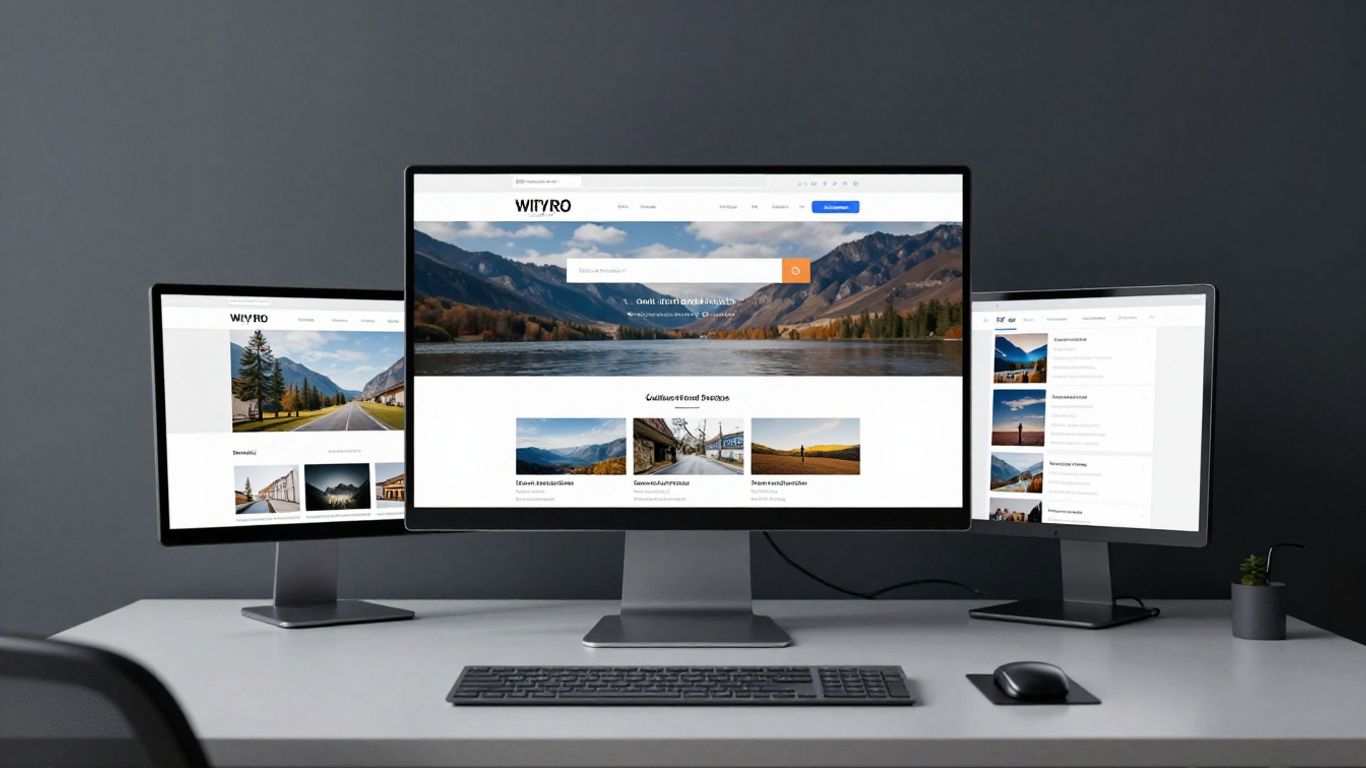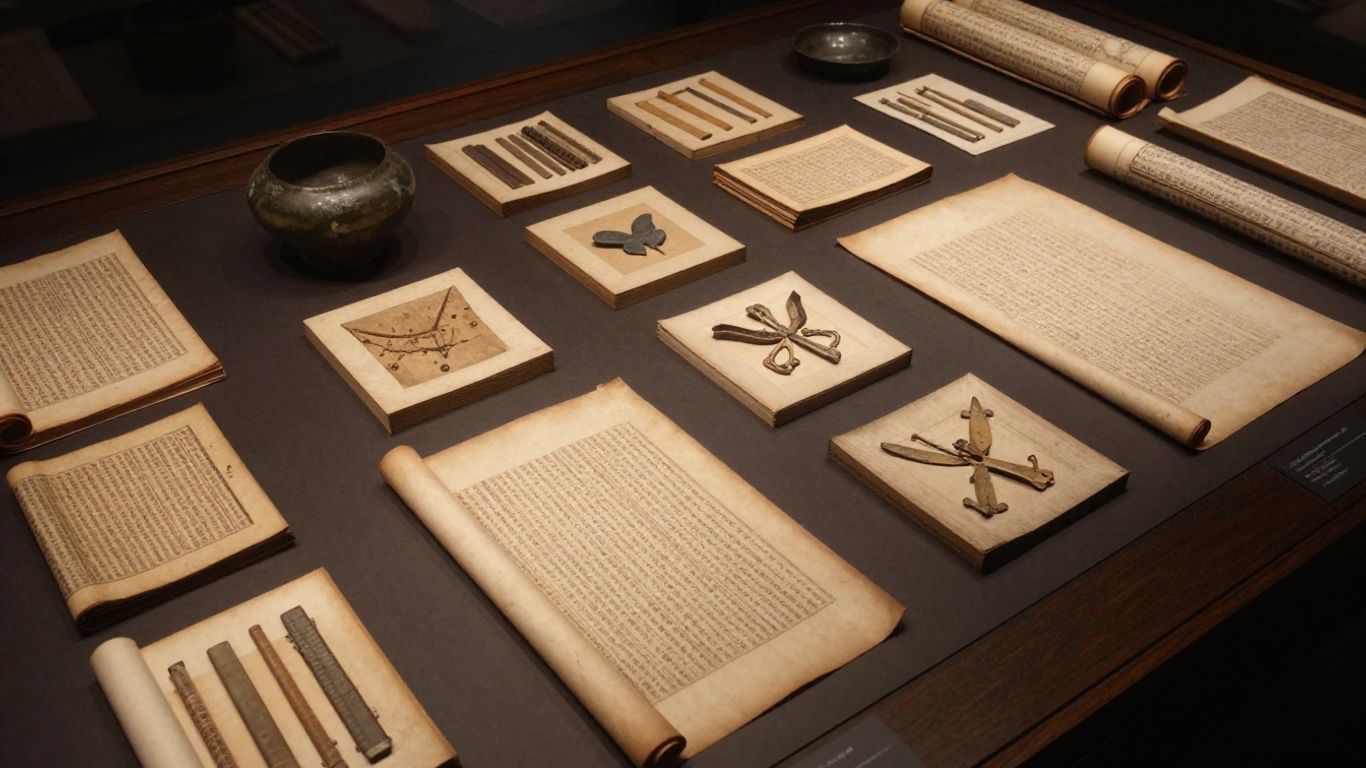
Perform regular audits to identify and address specific technical barriers.
Key Takeaways
Creating an inclusive online presence for cultural assets requires deliberate planning and technical precision. Follow these core principles to improve your digital engagement.
Perform regular audits to identify and address specific technical barriers.
Implement descriptive alt text for every visual asset to benefit screen reader users.
Ensure keyboard navigation allows visitors to browse collections without a mouse.
Maintain high colour contrast ratios to support readability for visually impaired users.
Use controlled vocabularies and consistent metadata to improve search visibility and inclusivity.
Foundations of museum digital collection accessibility
Museum digital collection accessibility requires a structured approach that considers both technical compliance and the diverse needs of your audience. Leaders must recognise that digital platforms serve as the primary gateway for many visitors to engage with historical cultural artefacts. Noran Design understands that building digital infrastructure that fosters trust relies on a deep commitment to maintaining these inclusive standards from the very start of a project.
Conducting an initial accessibility audit
Begin your process with a comprehensive review of your current website to pinpoint existing friction points. This audit should evaluate how code structures interact with assistive technologies to ensure every user experiences a seamless journey regardless of their device or physical ability. Using an accessibility guide can help you methodically identify areas where the site fails to cater to users with auditory or visual impairments.
Prioritising user needs and accessibility personas
Instead of treating accessibility as a checklist item, focus on the real-world experiences of your visitors. Developing user personas helps your team empathise with individuals who navigate the web using keyboard shortcuts or screen readers rather than traditional point-and-click interfaces. When you focus on these diverse needs, you create a more equitable information landscape that benefits all users by improving overall site usability.
Setting compliance targets with WCAG standards
Adhering to the Web Content Accessibility Guidelines (WCAG) provides a clear framework for your development team to follow. Setting these specific targets ensures that your institution maintains legal compliance while pushing toward higher quality digital experiences for the public. It is essential for teams to document these targets clearly so that every feature update aligns with international requirements.
Optimising visual media for accessibility
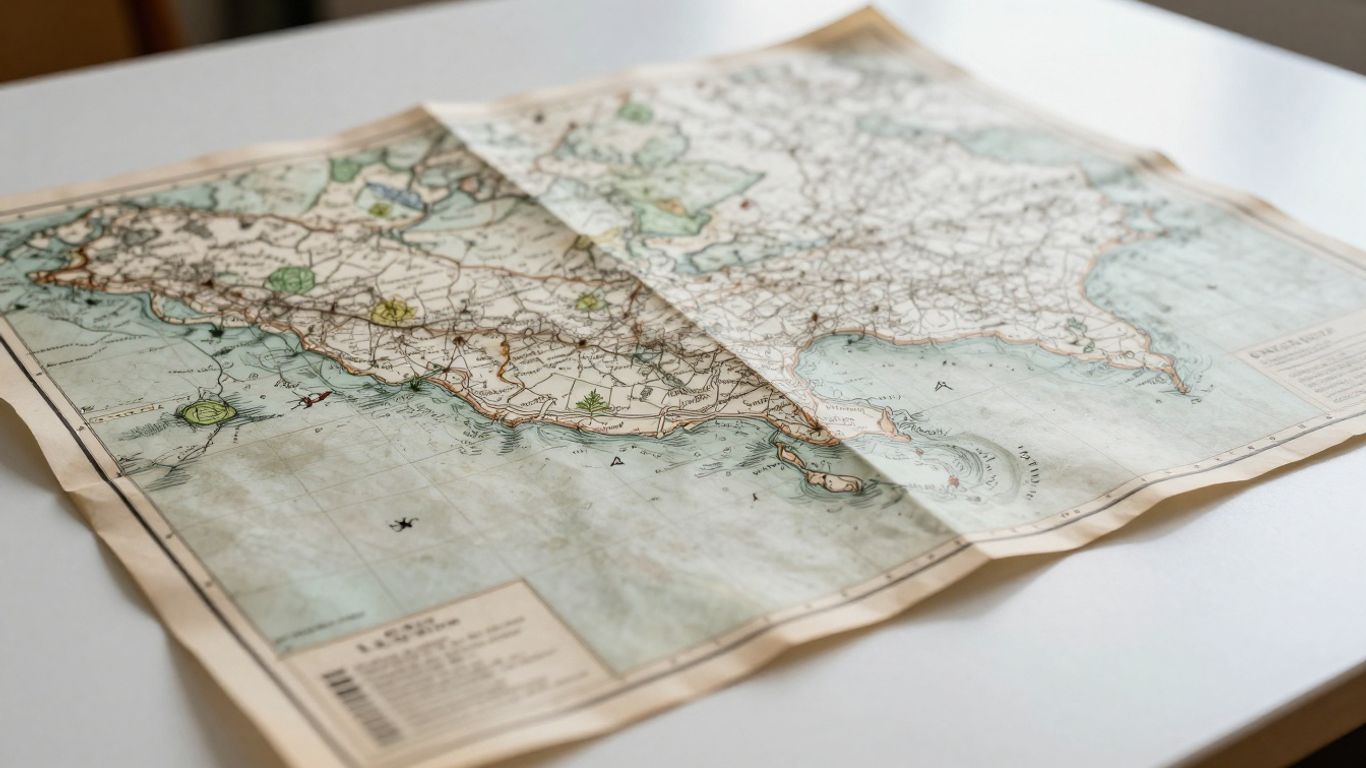
Visual media drives visitor interest in cultural institutions, but it also presents significant challenges for screen reader users when improperly managed. By standardising how you describe images and video, your studio can ensure that the aesthetic richness of your collection is available to every visitor. Noran focuses on building digital infrastructure that supports this level of media consistency, allowing institutions to thrive through better design.
Writing effective alt text for historical artefacts
Effective alt text goes beyond a simple label, offering a vivid explanation of the object that maintains the context of the display. Avoid cluttering the text with redundant information; instead, offer a clear, descriptive summary that helps the user envision the item. This practice transforms static images into living narratives for those who cannot perceive the visuals directly.
Implementing audio descriptions for video content
Video content requires parallel tracks that describe visual action and context for audience members who have hearing or visual impairments. By providing a secondary audio stream that translates visual cues into spoken detail, you remove the barrier between the viewer and the intended message. This creates a fuller experience that mimics the richness of a guided tour.
Ensuring sufficient colour contrast for UI elements
Readability depends on the balance between your foreground colours and background elements across the user interface. We provide a comparison of common contrast requirements below to help you evaluate your current design choices.
Feature Type | Ratio Target | WCAG Level |
|---|---|---|
Standard Body Text | 4.5:1 | AA |
Large UI Elements | 3.0:1 | AA |
Essential Graphics | 3.0:1 | AA |
By following these target ratios, you ensure that visitors with low vision or colour blindness can interact with menu items and search buttons without unnecessary strain.
Supporting magnification and browser zoom features
Designing responsive layouts that hold their structure during magnification is critical for inclusive web browsing. Many users with low vision rely on zoom features to view text and images at a scale that is legible for them. If your layout breaks at 200% zoom, these users will likely abandon the platform, negating the value of your digitised collection.
Improving navigation and user interface
A logical architecture is the backbone of any successful digital archive project. When staff and visitors find information intuitively, the institution grows in authority and trust. We believe that intuitive digital interface design should be the primary goal for any museum seeking to expand its online reach.
Building keyboard-navigable search interfaces
The ability to traverse an entire database using only the Tab and Enter keys is essential for motor-impaired users. A search bar that behaves predictably under keyboard input ensures that researchers and students alike can access your archives without forcing reliance on a precision-heavy mouse interface.
Designing labels and menus for screen reader compatibility
Screen readers rely on proper mark-up to convey the hierarchy and purpose of navigational menus. Use consistent semantic HTML tags to define your menus, allowing the software to announce the correct labels to the user. Clear, descriptive labels help build a mental map of your site, reducing the time required to locate a specific category or collection.
Creating logical page architecture and focus order
The sequence in which a user moves through page elements must follow the visual hierarchy of the site. A scattered focus order creates a chaotic experience for those using keyboards or assistive switches, leading to frustration and exit. By mapping this order during the design phase, you ensure that users encounter content in a sequence that the designers intended.
Reducing cognitive load through simplified layouts
Sometimes, the best way to support accessibility is to remove unnecessary elements that distract the reader from the core collection data. Using standard patterns helps users navigate without needing to learn a new interface when moving from one section to another. Our team at Noran often recommends these minimalist approaches to help organisations clear away operational bottlenecks while staying focused on core user needs.
Enhancing metadata and search functionality

Museums today must treat their metadata as a key asset for increasing the reach of their collections. When archives are tagged thoroughly and consistently, they become exponentially more discoverable, a process that is vital for digitised and born-digital materials entering the modern web. The following items represent the core components needed to build a more inclusive search environment.
Standardised naming conventions that prevent duplicate entries.
Unique identifier tags for every object within the primary database.
Clear, descriptive captions for all high-resolution images.
Categorical metadata to support faceted, user-driven search queries.
This list should guide curation staff in preparing their data for broader consumption across different web platforms.
Standardising controlled vocabularies for inclusive search
Controlled vocabularies prevent search results from becoming fragmented due to variations in historical terminology. By agreeing upon a set list of descriptive terms, you ensure that users typing diverse keywords can find the exact artefacts they need. This standardisation is the fundamental difference between a messy search and a professional digital archive.
Adding descriptive tags for assistive technology
Tags provide context where visual labels are insufficient, allowing screen readers to inform the user about the type and origin of an object. When you add descriptive metadata, you bridge the gap for users who need to know what an artefact is before deciding whether to engage with it further. This proactive layer of information is a hallmark of inclusive design.
Improving accessibility of filtering and faceted searching
Faceted search allows users to narrow down large historical collections using specific, user-selected criteria like date, material, or provenance. If these filters are built to support keyboard and reader navigation, you significantly improve the discoverability of your objects. This approach mirrors the way a world-class museum context organises its physical information to guide visitors efficiently.
Providing transcripts for digitised archival documents
Digitised documents that lack transcripts remain inaccessible to many users, particularly those with visual impairments or those who require text-to-speech functionality. Provide these transcripts as plain, searchable text alongside the visual document. This ensures that the history trapped within scanned pages is unlocked for the widest possible audience.
Integrating accessibility into your content management system
Selecting a system that supports your accessibility goals from the outset saves significant time in the long run. If your CMS cannot support proper alt text, semantic headings, or keyboard navigable links, no amount of manual fixing will compensate. Evaluating the core features of your platform is the first step in ensuring long-term sustainability for your digital collection.
Evaluating the accessibility features of your CMS
Before you commit to a platform, test its ability to handle essential accessibility elements. Look for a CMS that allows for customisable structural tags and metadata fields, which are necessary for complying with modern web standards. Robust systems empower your staff to produce accessible content without needing deep knowledge of the underlying code.
Training curation staff on accessible data entry
Even the best CMS fails if the people inputting the data do not understand how to make it accessible. Train your staff in writing quality alt text and entering consistent metadata every time they add a new item to the collection. When accessibility becomes a standard habit of your daily operations, it stops being seen as an extra burden.
Selecting third-party plugins that meet accessibility standards
Be cautious when building out your archive functionality using external plugins, as these often introduce hidden barriers. Always vet your library of tools for compliance before integration, ensuring that they do not break your existing focus order or contrast settings. This selective process prevents the introduction of technical debt that can undermine your entire project.
Testing with diverse user groups
Effective testing must include people who will rely on your site's access features daily. Observing how a diverse group interacts with your collection often reveals issues that even the most experienced web developer would overlook. A genuine engagement program provides feedback that acts as a blueprint for your future design iterations.
Recruiting testers with a range of disabilities
Reach out to organisations and community groups to invite individuals with visual, auditory, or mobility impairments to test your interface. Their real-world interaction patterns offer invaluable data that automated checkers consistently miss. By learning from these testers, you refine your institutional approach to digital growth.
Using a mix of automated and manual testing tools
Automated tools are excellent for catching high-level structural errors like missing headings or low-contrast text. However, manual interaction tests remain necessary for assessing the logic of your search flow and the clarity of your archival tagging systems. A balanced strategy of both approaches provides the most comprehensive view of your digital collection's performance.
Iterating on design based on qualitative user feedback
Take the qualitative feedback you gather from testers and transform it into actionable design changes. Accessibility is an ongoing project, not a one-time launch, so treating your data as a living resource will help you keep the collection relevant as digital standards evolve. Continuous improvement ensures your site stays useful for as long as your archive resides online.
Conclusion
Building an accessible digital collection is a transformative process that opens your institution's treasures to a global audience regardless of their individual abilities. By aligning your technical infrastructure with inclusive design principles, you ensure that every visitor encounters a welcoming and usable digital space that enriches their understanding of history. Embracing these standards as a fundamental part of your operations will secure your collection's impact for years to come, confirming your institution’s dedication to public heritage.
Frequently Asked Questions
Why is accessibility important for museum collections?
Museums hold content that is intended for the public interest, and digital accessibility ensures that individuals with various physical or cognitive impairments can engage with this history on equal terms with other visitors.
What are the main barriers to digital museum access?
Common barriers include inadequate contrast, lack of keyboard navigation for search tools, hidden imagery text, and complex, confusing navigation menus that do not support screen reader software.
Who is responsible for digital accessibility in a museum?
Accessibility is an institutional responsibility that belongs to everyone, including curators, IT staff, digital strategists, and marketing teams, because it touches every aspect of how an online collection is presented.
How often should a museum audit its collection access?
Audits should be conducted at least annually, or immediately after any significant update to your website or CMS, to ensure that no new technical obstacles have been introduced during the development process.
Can screen readers navigate highly complex historical archives?
Screen readers can successfully navigate complex archives if the web code is built with proper semantic structure, clear labeling, and logical focus orders that help the software announce what has been selected.
How does mobile usage affect collection accessibility?
Mobile accessibility is essential because many users access digital exhibits from handheld devices; your design must accommodate smaller touch targets and responsive layouts that maintain readability while zoomed.
What are the legal requirements for museum accessibility?
Most jurisdictions require public service providers to make reasonable adjustments for disability, meaning museums have a duty to ensure their digital resources are accessible to all members of the public.