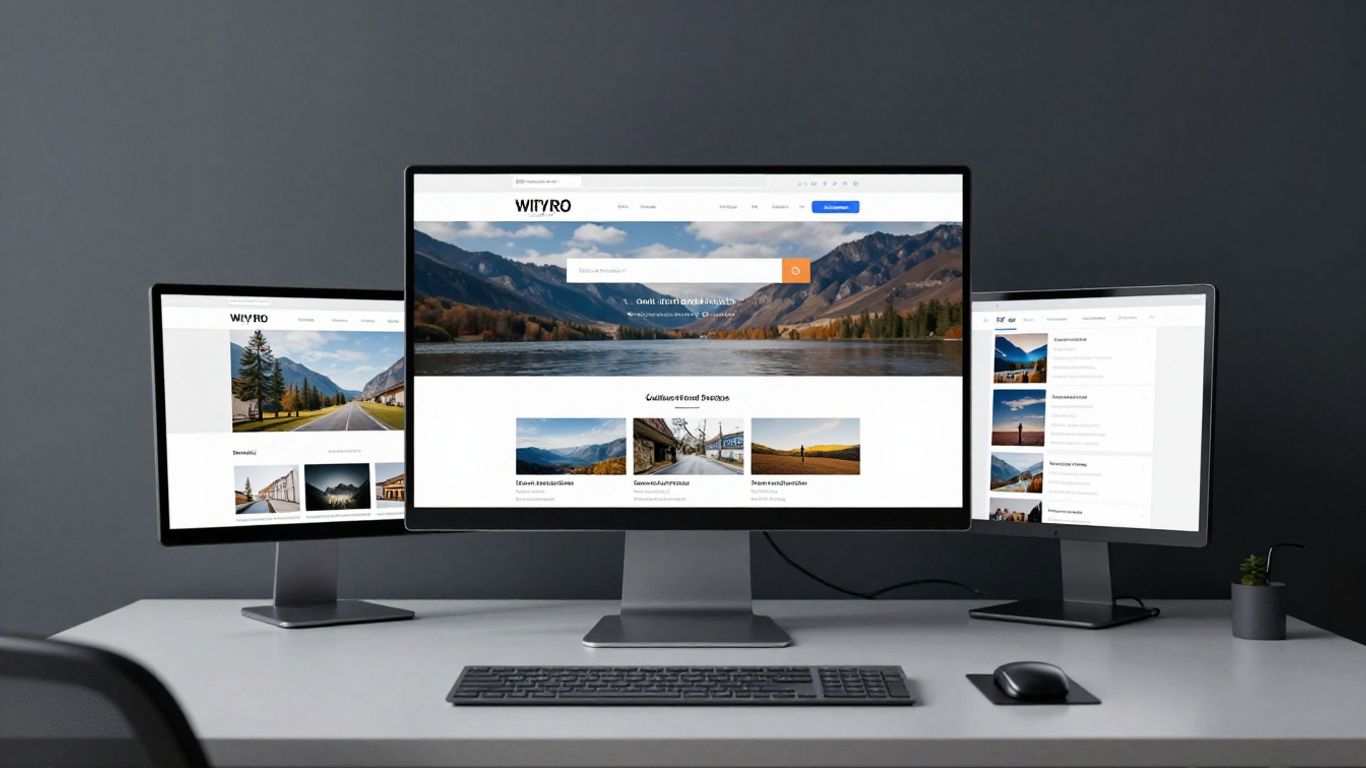
Prioritise intuitive navigation to reduce bounce rates.
Key Takeaways
Effective theatre websites require a strategic focus on user experience, performance, and clear conversion paths to drive ticket sales. This article outlines how to build a robust digital presence that serves both your audience and your operational goals.
Prioritise intuitive navigation to reduce bounce rates.
Leverage high-quality visuals to build emotional anticipation.
Create a frictionless checkout path to improve conversion rates.
Use data-driven insights to refine the visitor experience.
Implement accessibility standards to expand your reach.
Prioritising user experience for ticket buyers
The digital experience is often the first interaction a patron has with your production. At Noran Design, we find that theatre organisations that focus on a seamless user journey rather than just vanity design elements tend to see significantly better returns. By stripping away unnecessary complexity, you allow the theatre's offerings to take centre stage.
Designing an intuitive ticket booking journey
The booking journey should be linear and predictable. Avoid forcing users to create accounts before they can browse available dates or seating maps. A streamlined process allows your potential audience to reach their objective—purchasing a ticket—without navigating unnecessary hurdles.
Streamlining checkout with minimal friction
Checkout is where most potential ticket sales are lost. By reducing the number of steps required to complete a transaction, you can significantly boost conversion. Implementing a guest-checkout option or using social logins are practical ways to maintain momentum when a user is ready to pay.
Ensuring mobile responsiveness for on-the-go bookings
Most theatre visitors will discover your events while browsing on their phones. Your site must provide an experience that is just as fluid on a mobile device as it is on a desktop. This involves touch-friendly buttons, easily readable text, and a layout that adjusts perfectly to screen size variations.
Leveraging clear calls to action
Buttons should be prominent and suggest singular actions. Use high-contrast colours to distinguish your "Book Now" or "Select Seats" elements from other design components. This visual hierarchy guides the eye, ensuring that every visitor knows exactly how to complete their purchase and effectively drive meaningful growth in ticket sales for your venue.
Visual storytelling and production branding
Visuals define the initial emotional reaction to your production. It is not enough to simply list show times; you must convey the spirit of the performance through imagery that engages the viewer. Well-balanced creative assets should evoke the mood of the play or musical, inviting the audience to imagine their own presence in the auditorium.
Capturing the atmosphere with high-quality media
Photography should capture the raw energy of live performance rather than using generic stock photos. High-quality lighting and composition build prestige and signal to your audience that your theatre produces work of high artistic calibre.
Incorporating video trailers on landing pages
Video provides an immediate sense of motion and sound that static images cannot match. A short, high-energy trailer placed prominently on the homepage can turn casual interest into a firm intent to book, particularly for large-scale musicals or high-impact dramas.
Maintaining visual consistency with the show's identity
Your website's typography, palette, and overall aesthetic should mirror the unique identity of your current production. This consistency creates a cohesive brand experience that reinforces the authority and artistic vision of your theatre company.
Optimising imagery for fast page loading
Large images can cripple a site's performance if not handled correctly. Using modern compression formats and lazy loading ensures your high-quality visuals appear quickly, maintaining a premium experience even on slower connections. We often guide clients on building design systems that standardise these image assets to ensure long-term site stability.
Implementing effective navigation and site architecture
Users should never feel lost while exploring your site. A clear, logical hierarchy is the backbone of usability, allowing patrons to find performance schedules, accessibility info, and venue details without frustration.
Structuring the main menu for easy discovery
Your navigation menu should be concise and label-oriented. Grouping information into intuitive categories helps visitors quickly identify the information they need, whether it is show times, gift vouchers, or membership programmes. Improving your site architecture can be similar to the way a world-class museum reorganises its visitor path to boost engagement rates.
Creating a clear calendar view for upcoming shows
A calendar format provides instant context for your scheduling. It allows users to see what is happening at a glance, which is particularly beneficial for theatres with rotating repertoires or multiple venues.
Improving search functionality for specific performances
When a user knows exactly what they are looking for, they should be able to find it in seconds. Implementing a robust search tool that accounts for keywords like dates, show genres, or artist names will significantly reduce page exits by visitors who cannot find their specific preference.
Designing accessible navigation for screen readers
Accessibility is not a luxury; it is a fundamental requirement. Navigable structures for screen readers, such as logical alt-text implementation and clear heading hierarchies, ensure that the theatre experience is open to all members of your community.
Integrating ticketing systems and CRM tools
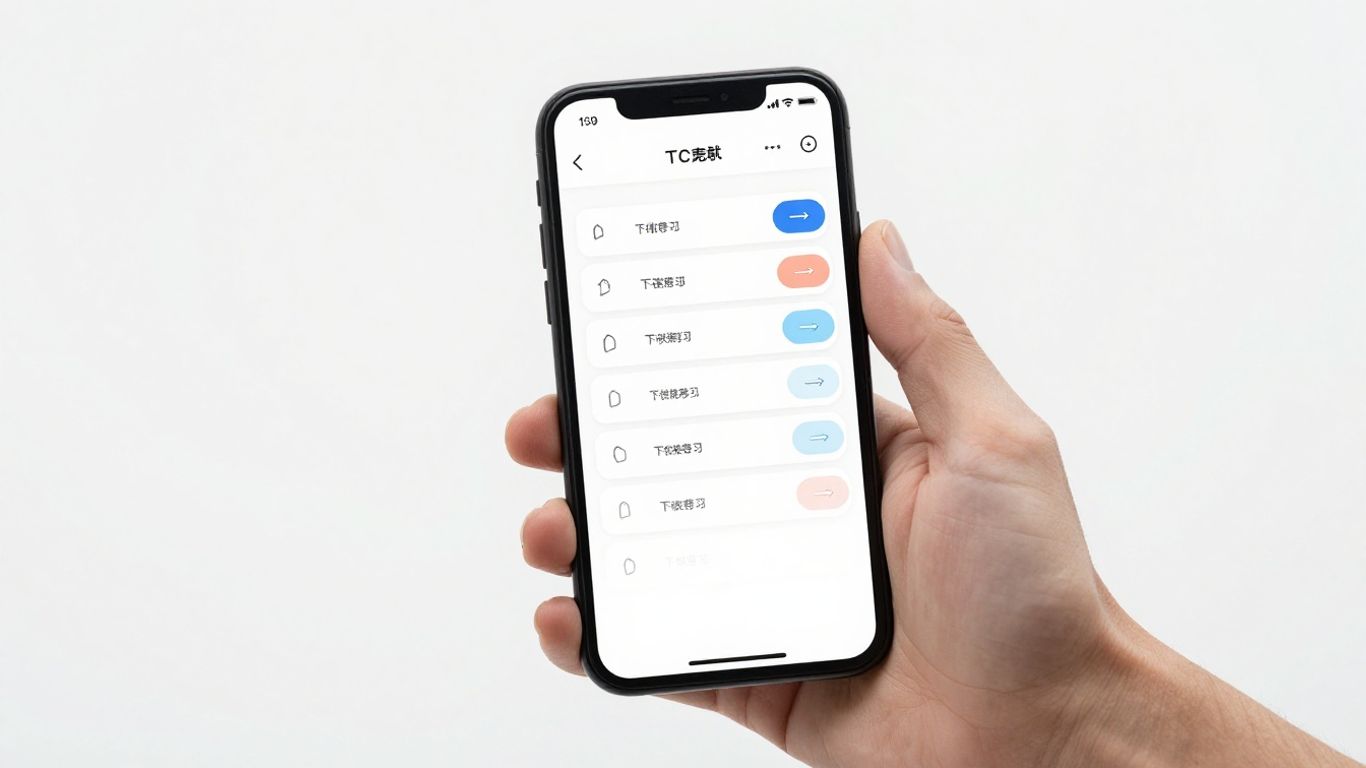
Integrating third-party tools is a delicate balance of maintaining visual identity and functional performance. When integrating complex ticketing software, it is vital that the platform does not disrupt the user's perception of your brand. As Noran Design has observed in many sectors, external tools should feel like an extension of the primary site interface.
Choosing between external and embedded booking platforms
While external redirects to ticket portals are common, embedded solutions generally offer a more immersive experience. The choice should depend on where you lose the most traffic; if your current redirects trigger high bounce rates, it is time to move to an embedded workflow.
Balancing third-party software with site aesthetic
Use CSS and consistent styling to wrap external ticketing iframes in your site's branding. This minimises the jarring shift in aesthetic when a user makes the transition from your content pages to the checkout portal.
Using data analytics to track user drop-off points
Monitoring where your users leave the site provides the raw intel needed for operational improvement. We recommend looking at these metrics to identify where the site design might be failing the user:
Home page to search results drop-off
Search results to event landing page
Event page to seat selection
Payment entry to final ticket confirmation
Shopping cart abandonment rate before final checkout
Applying these insights allows for targeted design adjustments that fix broken portions of the funnel, which is a core step in designing effective digital infrastructure for growing arts organisations.
Setting up remarketing tracking for ticket sales
Remarketing is an essential capability for converting interest into sales. By tracking users who viewed a show page but did not purchase, you can deliver targeted reminders, ensuring the theatre stays top-of-mind.
Building credibility and trust with theatre audiences
Trust is built through transparency and validation. Potential patrons look for signals that tell them a production is worth their time and their money. Your website should act as a repository for this social proof.
Highlighting reviews and production accolades
Integrate testimonials and press highlights directly on your show pages. This provides immediate legitimacy and reduces the anxiety of purchasing tickets for a new or unknown production.
Providing transparent access to seating charts
Users feel more confident when they know exactly where they will be sitting. A high-resolution, interactive seating chart that clearly shows sightline quality or price-tier differences removes guesswork.
Offering clear information on accessibility and venue facilities
Detailing your venue's accessibility features—such as wheelchair access, infrared loops, or relaxed performance options—builds immense audience trust. This level of transparency makes your venue a welcoming space for everyone.
Adding real-time updates regarding show timings and cancellations
Real-time status updates provide peace of mind to patrons arriving from far away. Use status banners to inform viewers of potential weather delays or performance updates, demonstrating that you respect their time.
SEO strategies for theatre website design
Theatre website design relies heavily on attracting local traffic. By optimising for performance and search intent, you ensure that fans searching for a night out in your area find your theatre first.
Optimising show pages for local search queries
Include show titles, venue names, and city-specific keywords in your meta descriptions and headlines. This helps search engines associate your production with your specific geographic area, which is vital for live event attendance.
Structuring schema markup for event snippets in search results
Schema markup tells search engines exactly what your content is. By adding event-specific markup to your show pages, you can get rich snippets—like event dates and ticket pricing—displayed directly in search results, often increasing click-through rates.
Reducing page load times to lower bounce rates
Speed is a crucial search ranking factor. A site that takes longer than three seconds to load often leads to high bounce rates. To keep users engaged, consult the table below to see the baseline targets for your key operational pages:
Page Type | Target Load Time | Importance Level |
|---|---|---|
Home Page | < 2.0s | Vital |
Show Details | < 2.5s | Very High |
Checkout | < 1.5s | Critical |
Maintaining these targets requires lightened assets and a clean backend structure, ensuring your visitors remain on the path to booking.
Using alt text to improve accessibility and image SEO
Alt text is a simple but powerful tool for both accessibility and SEO. By providing descriptive text for your stage photos, you ensure that search engines can contextualise your images, while also supporting visitors who use screen readers.
Conclusion
A theatre website is more than just a digital signpost; it is a primary venue for growth, discovery, and audience conversion. By prioritising clean navigation, robust performance, and brand-consistent storytelling, you can create a site that effectively captures the magic of your productions. Stay focused on the visitor's journey and use data to refine that path iteratively, ensuring your digital presence is as vibrant and compelling as the live performances on your stage.
Frequently Asked Questions
How often should a theatre update its website content?
Content should be updated in real-time as show information or casting details change. A regular content strategy ensures that patrons always find accurate information, which is critical for maintaining credibility and preventing ticket sales issues.
Is dark mode design better for theatre websites?
Dark mode often complements the theatrical atmosphere and can make high-impact show photography stand out more intensely. While not a strict rule, many modern platforms adopt dark themes to create a premium, intimate mood for visitors.
What are the main mistakes theatre sites make?
Common pitfalls include buried ticket links, non-responsive mobile designs, and ignoring page load speed. These issues create friction that prevents users from completing their booking journey, directly impacting revenue.
Does SEO matter for local events?
Yes, SEO is essential for local visibility. Without clear local search optimisation, potential audience members will struggle to find your venue's schedule against international or aggregated listing sites.
Should we use an external booking platform?
If your current site allows for a seamless integration with an external tool, that is often enough. However, if users report confusion or drop off during the transition, moving to a fully embedded system can provide a much smoother user experience.
How do I use alt text for show images?
Alt text should describe the visual elements of the photo in plain language for screen readers. Instead of listing random keywords, describe the scene briefly, such as "Performers in period costume on the main foyer stage."
Can social proof improve ticket sales?
Displaying reviews and press accolades is one of the most effective ways to build trust. When a visitor can read a positive take from a recognised publication or previous audience member, they are far more likely to feel comfortable investing in a ticket.