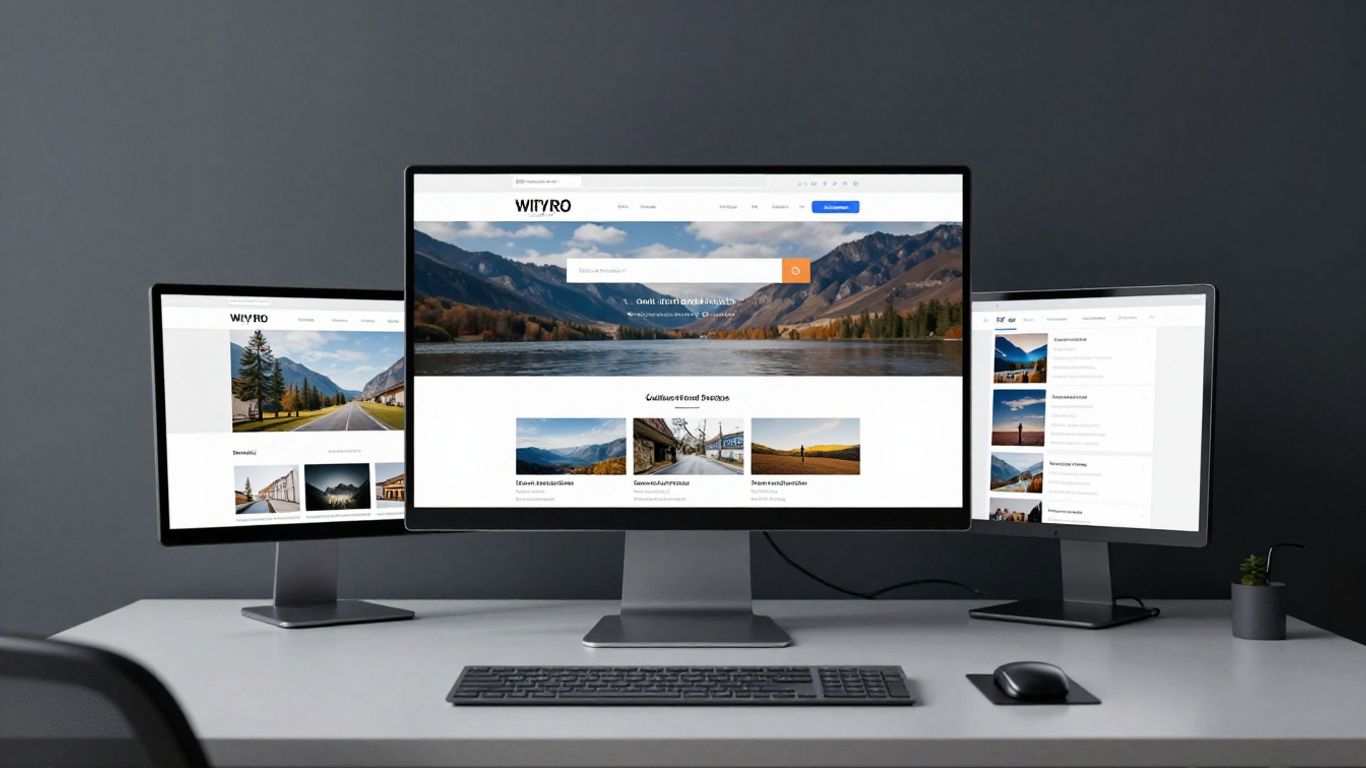
Define core database properties early to ensure consistent metadata.
Key Takeaways
Building an effective tracker requires careful planning and a modular approach to database architecture. By focusing on scalability and clarity, you can create a system that serves both you and your clients.
Define core database properties early to ensure consistent metadata.
Relate projects to clients to maintain a source of truth.
Use specific database views to reduce administrative friction.
Integrate document embedding to keep all assets in one place.
Automate routine status updates to save hours of manual work.
Planning your database structure
Establishing a solid foundation for your project workspace begins with mapping out the lifecycle of a typical engagement. By documenting the requirements of your workflow, you ensure that every property serves a specific purpose, preventing the bloat that often hinders workspace performance. Expert guidance from Noran Design confirms that a clear digital infrastructure is essential for long-term consistency.
Identifying essential properties for your tracker
Start by defining the core data points that every project requires regardless of scale or scope. These typically include client name, project start and end dates, status categories, and individual team members responsible for execution.
Linking projects to clients via relation properties
Use relational databases to connect specific workstreams to their parent client profiles. These modular Project Management Templates keep your workspace tidy by ensuring that client data is only entered in one place while being instantly accessible across all relevant project pages.
Selecting the right database views for data entry
Filter your information based on the specific phase of the work to avoid cluttering your dashboard with irrelevant noise. You might use a board view during active design phases and switch to a calendar view when coordinating deliverable dates.
Organising your properties for metadata clarity
Maintaining a clean data structure ensures that your reporting remains accurate over time, regardless of how many new projects you add. The following table illustrates an effective way to group your project metadata for improved visibility:
Property Name | Data Type | Usage Context |
|---|---|---|
Client Link | Relation | Identifies parent company |
Project Status | Select | Current workflow stage |
Due Date | Date | Hard deadline tracking |
By categorising your properties this way, you make the system much easier for team members to navigate during busy periods.
Designing your client-facing dashboard
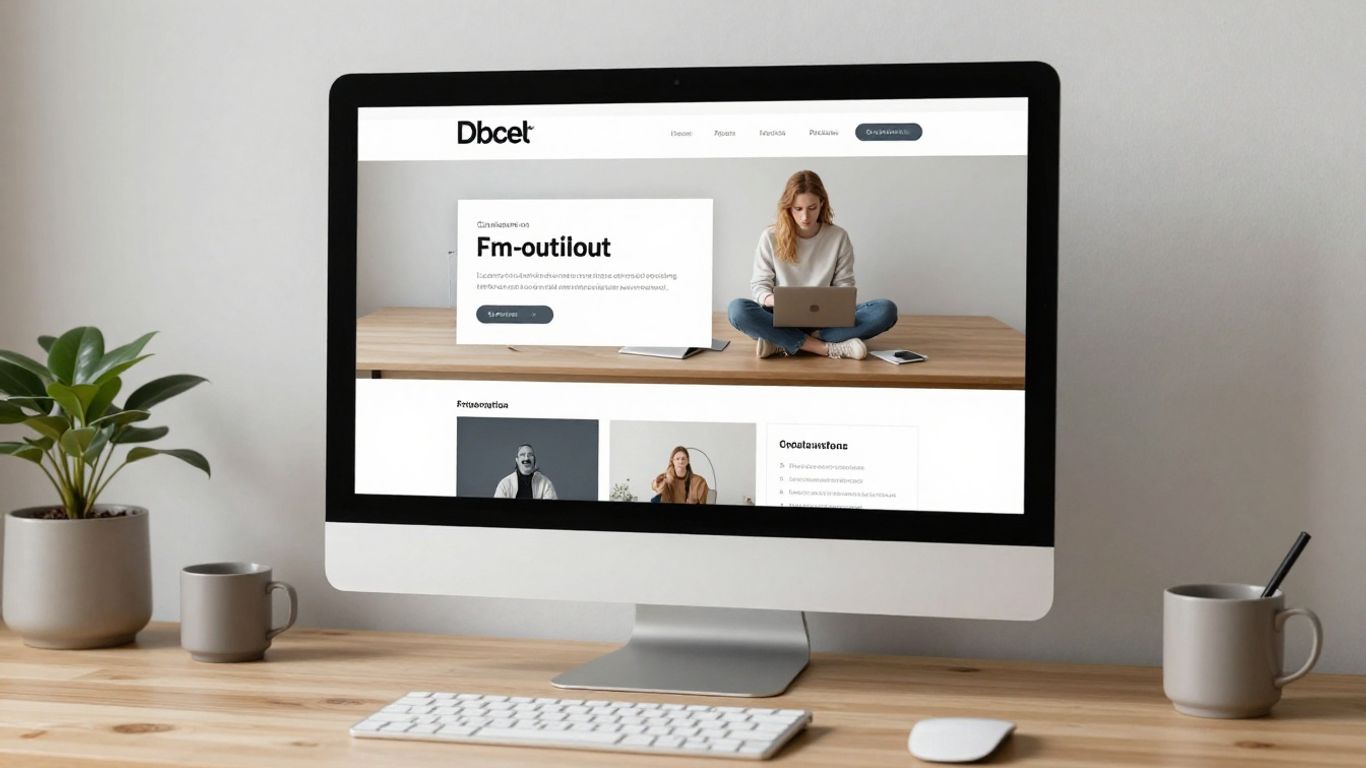
Your dashboard serves as the public face of your operation, making it vital to prioritize clarity and ease of access. Clients often feel overwhelmed by overly technical interfaces; therefore, a highly simplified view is usually preferred. Design philosophy dictates that every view should serve a purpose in guiding the user toward their next required action.
Creating a clean landing page for stakeholders
Develop a primary portal where clients can view live progress reports without needing to click through multiple folders. This landing page should house the most pertinent updates to avoid fragmented communication.
Using linked views to filter project status
Create specific filtered views that only display tasks relevant to the client's current project stage. This prevents them from seeing your internal task lists that aren't ready for review.
Incorporating sidebar navigation for ease of use
Add a sidebar that keeps essential links such as meeting calendars, billing portals, and project wikis in a fixed location. This helps users build a habit of where to look for specific resources, minimizing support queries.
Adding visual elements to enhance user experience
Use Client Portal Templates to incorporate meaningful iconography and callout blocks that highlight upcoming milestones. Visual cues are key because they help your stakeholders grasp project health at a glance without reading through lengthy status notes.
Managing project timelines and progress
Managing complex workflows requires an agile approach to daily operations that avoids manual micro-management of deadlines. By setting up a robust timeline structure, you can anticipate bottlenecks before they happen, giving everyone involved the necessary visibility to adjust if requirements change suddenly.
Tracking deadlines with the timeline view
Use the timeline view to visualise overlapping project phases against your overall calendar. This specific view makes it easy to identify when resources might be over-extended or where two major deliverables clash.
Using formula-based progress bars for visual updates
Calculate progress percentages based on checked-off tasks, providing a real-time status update for all participants. These visual bars remove ambiguity and clarify the remaining effort required for project completion.
Grouping tasks by project phase or milestone
Organise your tasks into distinct buckets to keep your workspace tidy throughout long engagements. Effective project tracking typically involves several consistent stages:
Initial strategy and discovery phase
Creative design and prototype rounds
Feedback loops and final revisions
Project handoff and delivery
Following these steps ensures that you never miss a milestone, even when juggling multiple accounts simultaneously.
Implementing dependencies to keep workflows moving
Set up internal links where a task cannot be marked as complete until a preceding task is finalized. This automation ensures that your team only receives notifications for relevant work, preventing unnecessary context switching.
Streamlining communication and file management

Centralising all project assets in a single, accessible location reduces the risk of file duplication or version control errors. Noran Design suggests that embedding external files directly into your project workspace keeps discussions contextual, meaning feedback is never detached from the specific work it relates to. This unified approach is essential for maintaining brand integrity and speed of delivery.
Embedding documents directly within project pages
Integrate your core document storage so that stakeholders can access files immediately from the project dashboard. This feature ensures that the most recent version of every asset is always the first one the client sees.
Utilising comments for contextual project discussion
Encourage team members to use the comment feature to discuss specific tasks, as this keeps communication history within view. This preserves a record of why specific decisions were made throughout the duration of the project.
Managing client feedback with a dedicated status property
Create a specific feedback status property that helps your team distinguish between requested edits, approvals, and general inquiries. This helps in prioritising work based on urgency.
Setting up granular permissions and access controls
Configure page-level sharing to ensure that only relevant stakeholders have viewing access to sensitive information. Proper access management prevents accidental changes to your core system and protects private customer data.
Automating workflows within your workspace
Automation acts as the engine that keeps your system running without constant oversight. By identifying repetitive, manual actions, you can replace them with trigger-based sequences that allow you to focus on the creative aspects of your work.
Configuring Notion buttons for repetitive task creation
Implement custom buttons that generate pre-filled task lists with a single click at the start of every project. This ensures that no standard step is ever forgotten during the onboarding process.
Using automation rules for project status notifications
Set up automated alerts that notify stakeholders when a project moves into a "Review Required" state. This proactive communication style helps maintain momentum without you having to send constant follow-up emails.
Triggering property changes based on template logic
Use logic-based templates to automatically update task categories as project components evolve. This keeps your data organized by having the system handle administrative shifts, such as priority levels or team assignments.
Integrating external tools for automated task alerts
Synchronise your workspace with communication platforms to ensure critical task alerts are sent directly to the channels your team uses daily. This prevents important updates from becoming lost in a crowded project folder.
Scaling your system as a Notion client management template
As your business grows, your internal systems must remain flexible enough to handle increasing volume. Creating a highly reusable notion client management template allows you to maintain professional standards across every new engagement without reinventing your infrastructure each time.
Making your tracker reusable for multiple clients
Build your infrastructure as a template that can be duplicated into new workspaces instantly while keeping global databases connected. This approach ensures your project management logic remains fixed even as your client list expands.
Developing sophisticated templates for project onboarding
Design comprehensive onboarding pages that guide new clients through your specific workflow. Giving them an immediate understanding of your process builds trust and provides a professional experience from the first interaction.
Incorporating monthly reporting into your tracking flow
Automate the collection of project data into a monthly summary that you can export for client meetings. This saves time and presents you as a data-driven partner who prioritizes transparency.
Standardising your assets for professional project delivery
Apply consistent naming conventions and folder structures to every project folder. Uniformity is the hallmark of a reliable service provider and makes internal scaling much simpler for your future team members.
Conclusion
Building a custom client portal within your workspace transforms the way you manage relationships, allowing for greater clarity and professional consistency. By carefully selecting your properties, automating routine interactions, and scaling your templates appropriately, you create a sustainable operating model that grows alongside your business.
Frequently Asked Questions
Do I need to be a technical expert to build this system?
You do not need deep technical knowledge as the modular nature of the platform allows you to build based on your current comfort level, adding complexity only as you discover your specific needs.
How can I make sure clients do not get confused by their dashboard?
Keep the landing page minimal by hiding unused properties and providing a clear, simple navigation menu that leads them only to the pages they strictly need to access active work.
What should I do if a client asks for a feature not in my template?
Evaluate whether the request is a repeatable necessity or a one-off outlier; if it adds value to all your clients, you can add it as an optional property and simply hide it for those that prefer a simpler version.
How often should I update my system logic?
Review your workspace setup during quiet periods after a project concludes to see where you were slowed down, adjusting your templates to eliminate those points of friction the next time around.
Can I manage complex finance tracking inside this system?
You can include financial properties for billing and invoicing, provided you maintain strict privacy settings and ensure only authorized team members have access to those financial fields.
Should I move my email communication into this system?
While you can use comments and status updates to track project-related feedback on specific tasks, external email remains your primary tool for broader professional outreach outside the specific workflow.
Is this method right for a solo consultant?
This system is ideal for solopreneurs because it consolidates your operations into a single location, effectively acting as an intelligent assistant that manages your project logistics and administrative overhead.