
Standardising data sources is a prerequisite for accurate AI synthesis.
Key Takeaways
Implementing AI to streamline your reporting cycles involves more than just selecting a tool; it requires a structured approach to data integrity and synthesis. By following these steps, you can create a reliable system that empowers faster, data-driven decisions while keeping your team focused on high-value client strategy.
Standardising data sources is a prerequisite for accurate AI synthesis.
Notion serves as the ideal hub for organizing dynamic reporting workflows.
Automation workflows with middleware significantly shorten the feedback loop.
Maintaining human review protocols is critical to preventing model hallucinations.
Properly defined metric layers ensure AI platforms reflect your business objectives.
Understanding the benefits of automated reporting
The shift toward automated analytics fundamentally changes how professional services teams communicate value to their stakeholders. By replacing repetitive data manipulation with machine-driven extracts, teams can focus their energy on interpreting results and crafting actionable strategic recommendations that drive client success.
Saving time on manual data entry
Manual data collection often involves moving numbers between scattered dashboards and spreadsheet files, a process that inherently delays insights. By streamlining report writing with AI, teams remove the aggregation bottleneck that previously consumed hours every week.
Reducing human error in calculations
Human oversight in data entry and complex calculations often introduces variances that jeopardize the credibility of your outputs. Standardizing your approach through automated engines minimizes these discrepancies, ensuring that your reporting remains consistent and trustworthy for every client interaction.
Strengthening client trust with faster insights
Speed is a crucial metric for client satisfaction because it allows stakeholders to act on performance trends while they are still relevant. When you automate reporting with AI, you shift from reactive updates to a proactive model that surfaces trends as they develop rather than after the fact.
Preparing your data sources for AI analysis

Successful automation requires a clean foundation because AI systems are only as effective as the information they ingest. Investing time in structuring your backend data ensures that your models operate on accurate, reliable metrics without needing constant correction.
Cleaning and structuring raw data for ingest
Raw data frequently arrives in fragmented formats that require pre-processing before an AI can interpret them successfully. You must normalize variable definitions across your team, ensuring that concepts like churn or monthly growth follow the same calculation logic throughout your storage layer.
Selecting appropriate data export formats
Choosing the right format for your data exports can make or break your automation efficiency. Standardizing exports into formats that middleware can easily parse, such as clean CSV exports or structured JSON streams, allows for a smoother flow from your warehouse to your analytical engine.
Mapping KPIs to business objectives
Aligning your technical data points directly with your core business objectives prevents the synthesis of irrelevant information. The process should ideally look like the following mapping sequence:
Business Goal | Data Metric | Calculation Method |
|---|---|---|
Retain Clients | Monthly Churn Rate | (Lost / Active) * 100 |
Drive Conversion | Click-Through Rate | (Clicks / Impressions) * 100 |
Improve Budget | Cost Per Conversion | Total Spend / Conversions |
By following this structured approach, you ensure the insights generated by the model are directly tied to the specific objectives your clients care about the most.
Choosing the right AI model for report synthesis
Selecting the right model involves balancing raw computational capability with specific operational needs like privacy and style. You should begin by evaluating how well each LLM handles your specific industry data and whether it aligns with the tone you wish to communicate to clients.
Comparing LLM capabilities for natural language generation
Different language models possess varying strengths in generating narrative context versus purely analytical outputs. It is useful to test several providers to determine which yields the most concise and accurate summaries suited for your particular reporting needs.
Handling sensitive client data securely
Protecting confidential information is paramount when using cloud-based AI tools for reporting. Ensure your selected model complies with your firm's data privacy policies and avoids training on your proprietary information, keeping your sensitive client metrics effectively ring-fenced.
Fine-tuning prompts for consistent tone and style
Your reports should feel like an extension of your firm's professional voice rather than a generic machine-generated summary. Experimenting with system prompts allows you to enforce stylistic consistency, ensuring every report adheres to your brand guidelines automatically.
Building your reporting hub in Notion
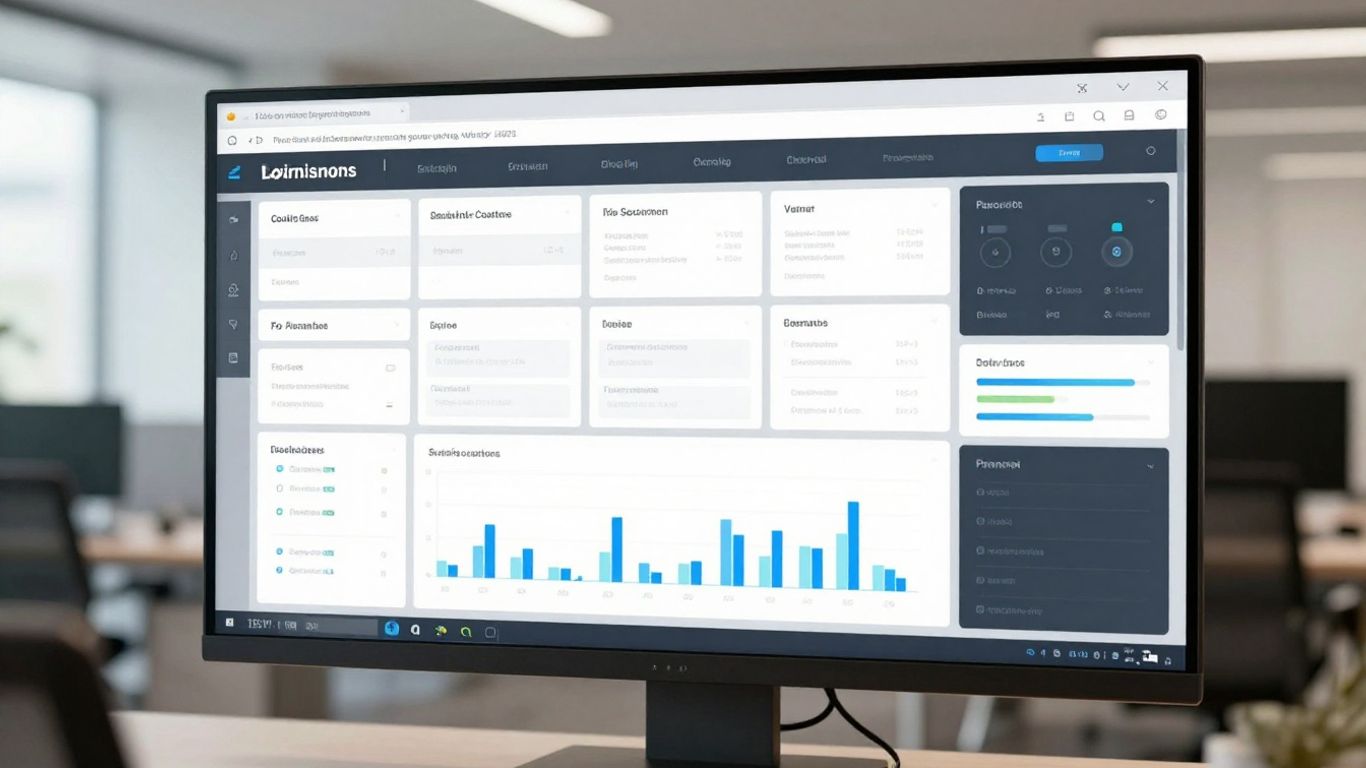
Notion provides a flexible environment to host your automated reports, allowing you to centralize documentation, strategy, and analytical outcomes in viewable pages. By using this tool, teams can move away from emailing static files and instead direct clients to live, interactive dashboards.
Designing effective Notion dashboard templates
Creating standardized layouts helps your team and your clients find information quickly, regardless of the report date. A well-designed dashboard template is an essential part of your internal communication, as it ensures that the structure of your reports is predictable and professional at all times.
Leveraging database properties for dynamic tracking
Utilizing Notion properties allows you to filter and sort historical insights based on various dimensions like date, client category, or performance tier. This database-driven approach makes it easy to track trends over time without needing to rebuild your layouts for every update.
Embedding visualisations and external links
Centralizing your workflow means your Notion hub can act as a single point of truth by hosting all relevant content. Consider these essential elements to include in your hub:
Links to shared performance folders in cloud drives.
Live links to interactive data visualization dashboards.
Status badges for review states like draft or approved.
Key internal policy documents for reporting standards.
By incorporating these elements, you make your hub a functional workspace rather than a simple document repository, allowing stakeholders to easily navigate to deeper information when they need it.
Setting up automation workflows with middleware
Connecting disparate systems requires an orchestration layer that functions as the nervous system for your reporting. Using platforms like Thinklytics or similar report automation tools allows you to bridge your existing databases with your chosen AI models, ensuring data moves seamlessly between systems.
Connecting data sources to AI engines via API
APIs provide the secure, programmatic bridge necessary to feed updated data points directly into your AI engine’s context window. This setup reduces the manual burden of data exports and ensures that the model always starts with the most current data available.
Establishing triggers for automated report updates
Defining automatic triggers ensures that your reports refresh on a set cadence, such as weekly or monthly, without requiring manual activation. This creates a predictable stream of insights that keeps your client teams informed without adding to your own operational workload.
Managing asynchronous feedback loops
Automation should accommodate scenarios where data updates might fail or latency occurs in the pipeline. Building robust processes to notify your team when a trigger fails helps maintain high-quality outputs even when technical disruptions happen.
Best practices for human-in-the-loop validation
Even the most advanced AI benefits from human experience to interpret nuances that a model might miss. Implementing formal review stages ensures your team checks every automated insight against qualitative realities, maintaining high standards for every deliverable.
Implementing review stages before client delivery
For any high-stakes executive report, a final review by a subject matter expert is necessary to verify accuracy. You can incorporate specialized tools like those from TapClicks to manage these review stages efficiently within your existing reporting pipeline.
Creating protocols for spot-checking AI-generated insights
Establish a regular routine for comparing model output against source data to detect any drift. This practice validates that the underlying connections remain accurate and helps you refine your prompt engineering as your data landscape evolves.
Maintaining version control for historical records
Keeping clean logs of every report version is vital for auditing performance trends and understanding how your reporting logic has evolved. Use dedicated workspaces or automated exports to save snapshots of your reports, ensuring you have a reliable account of historical intelligence.
Conclusion
Building an automated reporting pipeline is a long-term investment that eventually returns significant hours of productive time to your team. By carefully selecting your infrastructure, maintaining rigorous data standards, and enforcing human review for sensitive insights, you can create a reliable system that consistently delivers value and clarity to your clients without sacrificing the personal touch that defines your brand.
Frequently Asked Questions
Is it possible to automate reporting without specialized technical knowledge?
Yes, modern low-code middleware platforms and integrated AI agents make it significantly easier to connect your data sources to an analysis engine without needing to write complex custom code from scratch.
How do you minimize errors during the automated data collection process?
Validation is best handled by ensuring your source data is consistent and by using standardized API connectors that reduce the manual touchpoints known for introducing typos or calculation discrepancies.
Should every report be completely automated from start to finish?
It is generally best to automate the collection and initial synthesis of regular metrics, while reserving a final human review for commentary and strategic recommendations to ensure your analysis remains insightful.
What are the main costs associated with implementing this type of automation?
Costs typically involve the subscription fees for your middleware tools, the compute usage for your chosen AI models, and the initial time spent cleaning your existing data sets and building out your dashboard infrastructure.
Does automating reports negatively affect the quality of client relationships?
When done correctly, it actually improves relationships by providing more frequent and timely updates, allowing your team to focus their energy on direct advice rather than routine admin and data copying tasks.
How often should my data sources and automation flows be updated?
Your flows should be reviewed periodically to ensure that your KPIs are still aligned with your current client objectives and that your data structure hasn't shifted significantly due to backend updates or tool changes.
Can this approach work for clients in highly regulated industries?
Yes, provided you utilize tools that offer enterprise-level security, keep your data environment isolated, and implement strict review protocols to ensure every output meets the necessary compliance standards before reaching your client.