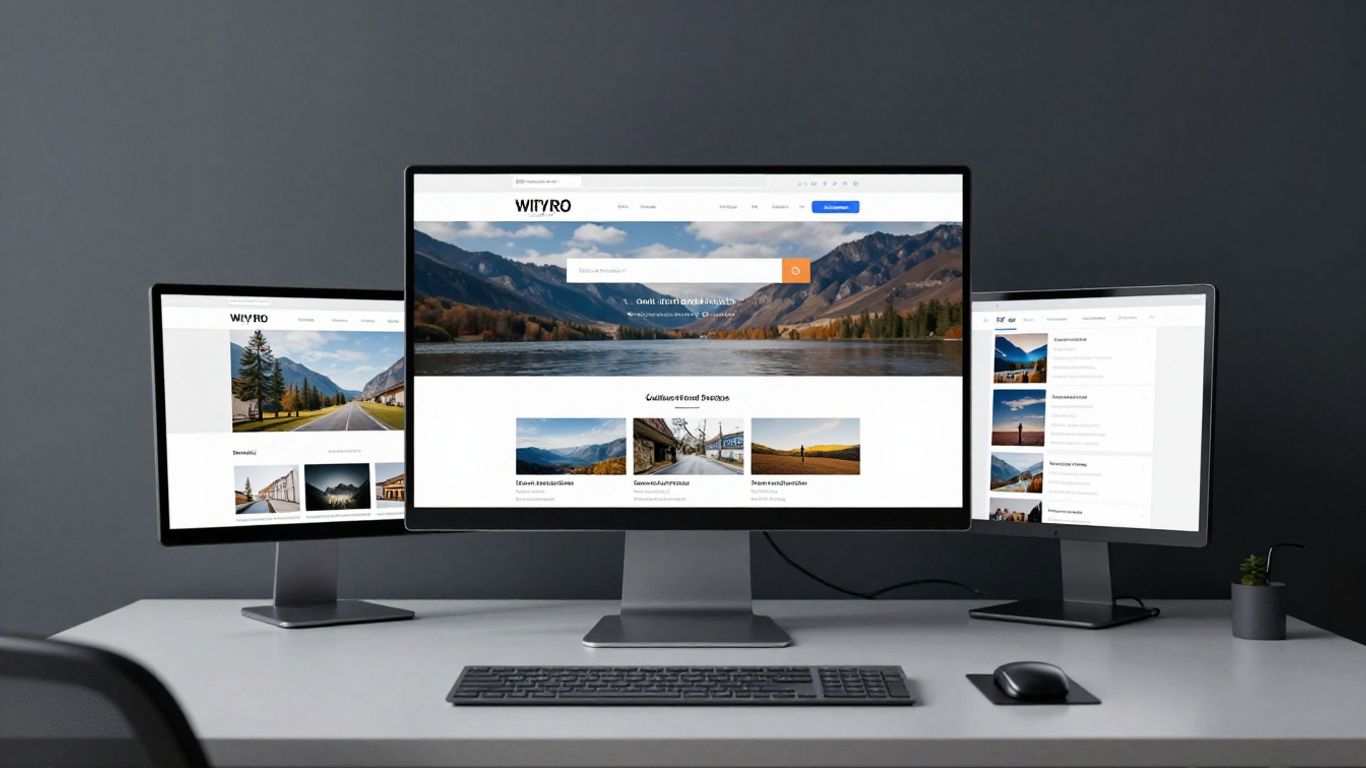
Align the platform choice with your long-term operational and growth goals.
Key Takeaways
Selecting the right digital foundation is critical for museums aiming to extend their reach beyond physical halls. Here are the core considerations for your institution:
Align the platform choice with your long-term operational and growth goals.
Prioritise ease of use for content curators without sacrificing design flexibility.
Integrate ticketing and collection management tools directly for streamlined workflows.
Ensure your digital infrastructure can scale securely alongside your institutional capacity.
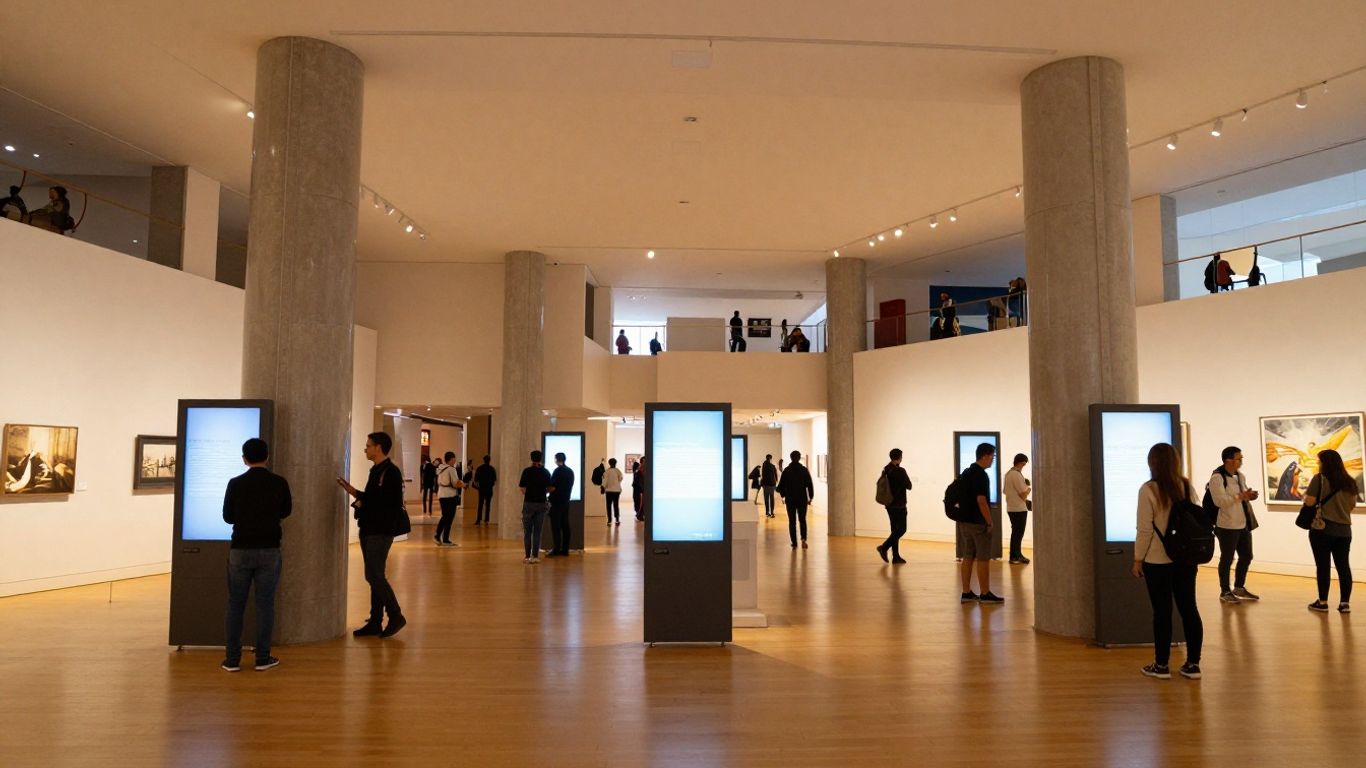
Build experiences that translate the physical museum visit into a compelling virtual journey.
1. WordPress for flexible content management systems
WordPress serves as a robust foundation for museums needing a highly customisable content management system. By leveraging its vast array of plugins and themes, smaller institutions can scale their digital presence without immediate heavy investment in proprietary software. It remains a reliable choice for teams that require granular control over editorial processes and media organisation.
Many museums find that the flexible nature of content management allows them to pivot quickly as their programming evolves. Unlike more rigid systems, WordPress provides the freedom to integrate custom post types for unique exhibition requirements. This capability ensures that administrators can treat blog posts, event listings, and artist biographies as distinct content elements rather than generic pages.
When considering digital growth strategy for your organisation, WordPress allows for a phased approach where functionality is added as traffic grows. The platform supports extensive user permissions, making it straightforward for large curatorial teams to collaborate safely. Effectively managing these assets is vital to creating an engaging online presence that keeps the public connected to your mission.
2. Squarespace for aesthetically driven exhibition display

Squarespace offers a streamlined environment for museums that prioritise visual storytelling and gallery-style layouts. The platform excels at minimising technical complexity, letting curators focus entirely on high-resolution imagery and clear exhibition descriptions. Its drag-and-drop interface is particularly suited for institutions that lack a dedicated internal development team.
Users often find that the template-based architecture removes the friction of design, allowing for consistent branding across all exhibits. This focus on aesthetic precision means that your visual style is never compromised by technical constraints. For smaller galleries, this translates into a professional digital storefront that reflects the quality of the art displayed within their physical space.
While Squarespace is excellent for outward-facing design, it does not provide the same extensive database management as other platforms. It is best used by those who value design-forward, turnkey solutions over deep customisation. The result is a highly polished, responsive site that effectively draws the visitor into the exhibition experience.
3. Wix for intuitive website building workflows
For museums seeking a straightforward, intuitive website building process, Wix provides a balanced set of tools that cater to both beginners and those with moderate design needs. The platform allows for precise layout control without requiring knowledge of CSS or HTML. Curators can easily manage page structures and visual components, enabling rapid updates for rotating exhibitions.
Feature | Museum Workflow | Scalability |
|---|---|---|
Layout Editor | Intuitive drag-and-drop | High |
Asset Library | Centralised media storage | Moderate |
Plugin System | Versatile app integration | Good |
Security | Automated updates | Baseline |
This table illustrates how Wix supports the operational needs of an institution through accessible design tools. By keeping the technical overhead low, administrators can dedicate more time to content curation and less to site maintenance. The platform offers a reliable entry point for museums streamlining their daily operations.
To ensure your transition to a new platform is successful, consider the following checklist for integration:
Audit your existing content library for outdated assets.
Map out the primary visitor user journey on the new site.
Verify that your selected template supports mobile responsiveness.
Test all call-to-action buttons for accessibility compliance.
Refining these steps helps ensure your site performs its function effectively from launch day. Implementing this structured approach to the visitor journey is how you elevate an already exceptional collection to match its digital presence.
4. Shopify for seamless museum shop and ticketing integration
Shopify is the industry standard for museums that rely heavily on e-commerce, such as physical gift shops and ticketed events. By centralising these transactions, the platform reduces the friction usually found in external inventory systems. It allows for the seamless management of ticketing, retail items, and even donor collections within a single, secure environment.
Beyond transaction processing, Shopify offers deep data insights that help museums understand their audience better. By tracking purchase behaviour, institutions can tailor their future product offerings or event themes to match donor interests. This data-driven approach supports more effective decision-making regarding which programming might drive the most engagement.
Integrating your shop with the main website allows for a unified brand voice, ensuring that the transition from viewing art to purchasing a ticket feels coherent. It eliminates the confusing redirects often found on older museum sites. Instead, the focus remains on facilitating a quick, secure checkout experience for the visitor.
5. Artlogic for specialised gallery and collection management
Artlogic provides advanced tools specifically engineered for galleries and private collections, focusing on the intersection of management and public presentation. Unlike general-purpose web platforms, it includes features for archiving, inventory tracking, and client relationship management (CRM). This integration ensures the website is always representative of the collection's current status.
For galleries that manage a large volume of acquisitions and loans, the database-to-web connection is a primary benefit. Entries made behind the scenes for cataloguing automatically sync to the public-facing site, significantly reducing double-entry tasks. This automation is essential for keeping high-resolution images and provenance details current across all platforms.
Teams relying on Artlogic find that the platform improves operational efficiency by acting as a single point of truth. By securing the data flow between physical management and digital display, the system allows curators to maintain complex portfolios with minimal manual intervention. It effectively bridges the gap between private collection management and public outreach.
6. Drupal for secure institutional scalability

Drupal is often the preferred choice for large, national-level institutions where security, compliance, and custom-built functionality are non-negotiable. Its architecture is built to handle complex content relationships and high traffic volumes over extended periods. This reliability is critical when an institution manages centuries of digital history alongside modern visitor needs.
The most effective digital ecosystems are those that prioritise long-term modularity over short-term visual updates. By building systems that can evolve as the institution grows, museums ensure their online investments remain viable for decades to come.
Choosing Drupal allows for custom modules that address specific institutional workflows, such as deep academic archival access or multi-language support. While the maintenance burden is higher than simpler platforms, the return on investment is found in its stability and scalability. It truly empowers institutions that need a platform as complex and permanent as their own archives.
7. Webflow for high-end custom design and interactivity
Webflow caters to museums that demand complete control over design, animation, and interactivity. It bridges the gap between traditional website builders and custom development, allowing design teams to create immersive, interactive galleries that feel like bespoke applications. This makes it an ideal platform for showcasing digital-first exhibitions that require complex scroll effects or unique transitions.
Because the platform generates production-ready code, it maintains high performance even with heavy graphical usage. Curatorial teams can often find that the barrier to creating rich, dynamic content is drastically reduced when compared to managing custom-coded sites. This empowers the design studio to push boundaries without breaking site responsiveness.
Integrating Webflow into your workflow allows for a high degree of fidelity in how exhibitions are rendered on various devices. It helps ensure that your visual identity remains consistent, whether viewed on a desktop in a research lab or a mobile device while in the gallery. The result is a premium, highly tactile experience for the online visitor.
8. Subsplash for donor engagement and community outreach
Subsplash focuses on the donor and community aspects of institutional growth, providing tools for engagement beyond the exhibit itself. It is particularly effective for museums that function as community hubs, offering features like integrated media streaming and mobile-first donation pathways. This creates a feedback loop where supporters can easily learn about, fund, and engage with the museum programme.
By simplifying the donation cycle, the platform removes common obstacles to patron support. The user interface is designed to keep the donor informed of the impact of their contribution, which is vital for long-term retention. It turns a static donation form into an active communication channel, fostering a deeper sense of participation.
This focus on the donor relationship complements the museum's outreach efforts by centralising newsletters, events, and giving opportunities. Institutions can manage their community engagement strategies with a clear, unified focus on growth and sustainability. It transforms the digital presence into a living, breathing community centre.
9. Adobe Experience Manager for enterprise digital asset management
Adobe Experience Manager acts as an enterprise-grade solution for institutions with heavy media requirements and multi-channel distribution. It provides comprehensive digital asset management, allowing curators to store, edit, and push thousands of image and video assets to various platforms simultaneously. For international museums with widespread digital footprints, the platform is essential.
Its power lies in the ability to deliver personalised visitor journeys across different regions and languages automatically. By tracking user behaviour at scale, the platform can suggest exhibits or collections that align with specific visitor interests. This sophisticated level of personalisation helps major institutions remain relevant to diverse global audiences.
While the implementation is significant, it provides an unmatched capability to maintain institutional standards across every touchpoint. It ensures that every asset is tracked, rights-managed, and displayed with perfect fidelity. For organisations operating on an enterprise level, it is the standard for long-term consistency and digital management.
10. Omeka for scholarly digital archiving and exhibit publishing
Omeka serves the unique needs of scholarly institutions and researchers focusing on digital archiving. It is designed around the principles of metadata accuracy and interoperability, making it the premier choice for collections that require structured scholarly cataloguing. It allows for the easy display of complex multimedia items alongside detailed research annotations.
Researchers value the ability to link items logically, creating exhibits that function more like digital textbooks than brochures. By using standard museum metadata schemas, content remains searchable and accessible for academic purposes. This emphasis on scholarly standards ensures that your archive survives, remains relevant, and grows as a tool for public knowledge.
Choosing Omeka demonstrates a commitment to transparency and educational access, as it enables deep-dive discovery experiences. It is not designed for e-commerce, but rather for the preservation and exposition of artefacts. The result is a platform that places the value of the collection itself at the heart of the digital strategy.
Conclusion
Deciding how to choose the right website platform for a museum or gallery requires a careful assessment of your institution's immediate needs and its long-term strategic evolution. Whether you prioritise simple editorial workflows, highly interactive design, or sophisticated database management, your chosen foundation acts as the digital infrastructure supporting your mission. By focusing on sustainability and visitor-centric design today, you build a presence that allows your collection to thrive in any landscape, ensuring your cultural impact persists across digital boundaries.
Frequently Asked Questions
What are the most important features for a museum website?
Accessibility, robust media handling, clear call-to-action pathways, and seamless integration with your ticketing or management databases are fundamental for successful engagement.
Can my museum upgrade its platform later without losing content?
Yes, though it requires a technical migration process. Planning for data export and database mapping early on can significantly simplify future platform transitions.
Should we prioritise design or functionality in our platform choice?
It is often better to seek a middle ground where the platform handles functionality reliably, allowing your design team to implement aesthetic touches on top of a stable architecture.
How does a museum website differ from a corporate site?
Museum sites are typically content-heavy regarding historical archives and multimedia, necessitating higher demands for metadata organisation and flexible content nesting than most corporate portals.
How can a website platform help with museum funding?
Platforms that integrate donor management systems simplify the path to giving, making recurring contributions easier for donors while providing clearer tracking for the museum.
What role does metadata play in a digital exhibition?
Metadata serves as the backbone of your digital collection, ensuring that assets are discoverable, correctly attributed, and properly archived for future research and search engine visibility.
How do we ensure our digital museum presence remains secure?
Regular updates to platform core software, strong user permission controls, and choosing hosts that provide managed security services are critical practices to keep your museum's digital assets safe.