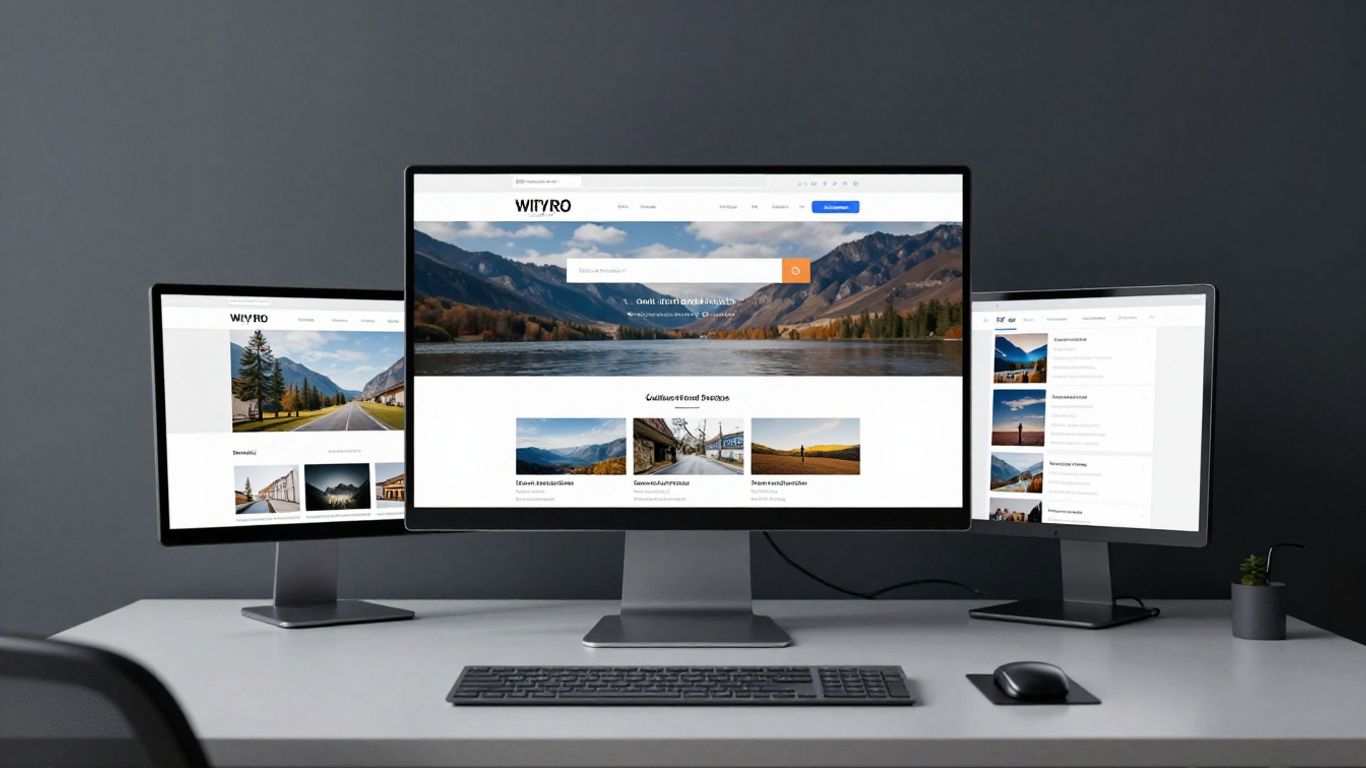
Implementing WCAG standards ensures that your digital content remains inclusive for all visitors regardless of ability.
Key Takeaways
Creating an inclusive digital experience is essential for modern cultural institutions looking to connect with diverse audiences. These points summarise the primary steps for improving your platform:
Implementing WCAG standards ensures that your digital content remains inclusive for all visitors regardless of ability.
The POUR framework provides a structured approach to making cultural content perceivable, operable, understandable, and robust.
Strategic design choices regarding contrast, alt text, and navigation directly impact the usability of your digital collections.
Providing accessible media such as transcripts and audio descriptions broadens the reach of your gallery and exhibition content.
Maintaining an clear, up-to-date accessibility statement is a legal and ethical requirement for cultural organisations.
The importance of accessibility in the arts sector
Cultural institutions serve as cornerstones of our communities, yet their digital presence often falls short of the inclusivity standards maintained within physical galleries. Ensuring your digital storefront matches the welcoming nature of your foyer is a fundamental step in modern audience development. At Noran Design, we work with organisations to ensure their online evolution supports long-term growth and equitable access for every visitor.
Why digital inclusion matters for cultural participation
Digital inclusion means everyone can engage with art history, exhibitions, and digital archives without frustration. When websites exclude users due to poor design, cultural institutions effectively lock out a significant portion of their potential audience. Prioritizing accessibility ensures that your digital resources remain a public good rather than a gated experience.
Legal obligations and accessibility standards for arts sites
Adherence to WCAG 2.2 has become the gold standard for cultural venues aiming to fulfill their duty of care. These international standards provide a clear blueprint for removing common digital barriers, helping institutions align with evolving global accessibility regulations. Ignoring these standards risks not only your reputation but also potential legal challenges that hinder community trust.
Building trust with diverse audiences through inclusive design
Trust is earned when an organisation demonstrates that it values all visitors, including those utilizing screen readers or assistive hardware. By treating accessibility as a core business requirement rather than an afterthought, you build a foundation of reliability. This approach fosters a stronger, more loyal digital community that feels genuinely seen and welcomed.
Understanding the POUR framework for cultural content
The POUR framework functions as the foundational grammar for accessible digital experiences. By breaking accessibility into manageable principles, it allows teams to evaluate content systematically without losing sight of the broader artistic objective. Implementing these frameworks enables you to address technical debt while enhancing the user experience for everyone.
Perceivable: ensuring sensory content is accessible to all
Perceivability means that information and user interface components must be presentable to users in ways they can perceive. For a museum, this involves ensuring that colours are not the only means of conveying information in an exhibition catalogue. By providing text-based alternatives for every non-text element, you ensure that visual data is reachable for all users.
Operable: creating navigable experiences for complex exhibition sites
Operability focuses on the functionality of your site navigation, ensuring that buttons, links, and forms are usable by everyone. If a virtual tour or interactive map cannot be toggled using only a keyboard, it remains inaccessible to significant user cohorts. Smooth, logical flow is the primary goal for making your intricate database structures truly useful.
Understandable: maintaining clarity in artistic and scholarly communication
Understandable content is predictable in its operation and clear in its delivery. Arts organisations often use complex language that can inadvertently exclude users; keeping navigation intuitive and support documents plain, readable, and structured prevents cognitive barriers. Artistic tone does not have to be sacrificed for technical clarity.
Robust: future-proofing digital experiences across emerging technologies
Robustness ensures that content remains compatible with current and future user agents, including assistive technologies. Using well-formatted, standard-compliant code allows your platform to evolve without breaking when browser versions or screen readers update. This longevity is where the real value of strategic digital investment is realized.
Visual and graphic considerations for arts websites
Maintaining the aesthetic integrity of high-impact imagery while meeting accessibility requirements is a constant balancing act. At the Noran Design studio, we approach this by separating decorative graphic elements from functional content to ensure no trade-off exists between beauty and utility. You must evaluate every visual component to ensure that the primary message remains accessible to all viewers.
Managing colour contrast in high-impact artistic imagery
Applying sufficient contrast is essential, yet it often clashes with the nuanced colour palettes preferred by creative institutions. You can address this by ensuring that all text overlays on background art meet specific legibility thresholds. The following table provides a basic benchmark for testing your current digital assets.
Element Type | Target Requirement | Recommended Strategy |
|---|---|---|
Body Text | 4.5:1 Ratio | Use deep charcoal on white |
Large Text | 3:1 Ratio | Apply bold weight updates |
Interactive UI | 3:1 Ratio | Ensure hit areas are distinct |
These adjustments guarantee that users with low vision can still engage fully with your curatorial content, effectively balancing high-fidelity design with functional necessity.
Providing descriptive alt text for high-quality visuals and artefacts
Descriptive alt text should convey the meaning behind an image, not just a literal count of the visual facts. For an art object, this means identifying the medium, the style, and the focal point of the piece. Great alt text acts as a translation from visual art to conceptual understanding.
Improving screen reader support for complex diagrams and infographics
Infographics can be challenging to interpret without visual context. Providing a hidden HTML table or a long-form description allows screen readers to navigate the relational data contained within complex visual layouts. Ensuring these structures are coded correctly is essential for digital parity.
Implementing accessible media for exhibitions and performances
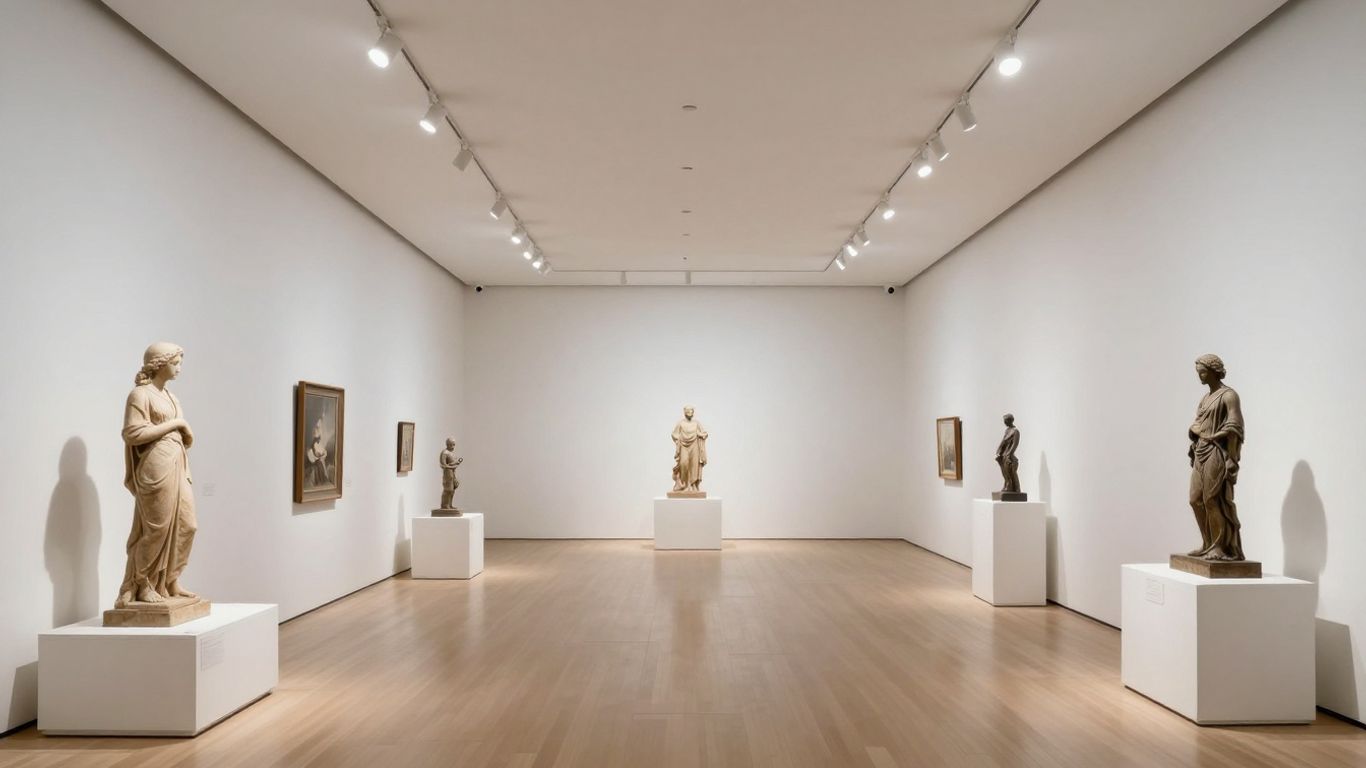
Media-rich content requires careful handling to ensure it does not become a barrier to engagement. If your institution hosts archival video or virtual installations, embedding accessibility from the start serves all users. Integrating Noran Design expertise in digital operations means we treat these tools as active features that enhance reach rather than static artifacts.
Creating accurate transcripts and captions for archival video content
Accurate captioning provides a bridge for visitors who are deaf or hard of hearing to fully appreciate your archives. It also aids search engines in indexing your event recordings correctly. Investing in quality transcription services ensures your legacy materials remain active participants in modern dialogue.
Integrating audio descriptions for virtual tours and installations
Audio descriptions narrate the visual experience for those who cannot see the screen clearly, adding depth and narrative to your digital tours. These tracks should be synchronised carefully with the media to provide a seamless fully accessible visitor experience for anyone interacting with your platform from home.
Ensuring full keyboard accessibility for interactive media players
Interactive players must allow users to pause, rewind, and adjust volume without needing a mouse pointer. Providing custom controls ensures that users with motor limitations have full agency over their media experience. To improve your implementation, consider these primary technical touchpoints:
Test every button for keyboard focus visibility.
Provide bypass links to skip repetitive media sequences.
Include pause/play toggle switches that work via the enter key.
Ensure screen readers announce state changes clearly.
Consistent adherence to these technical requirements will prevent common usability failures on your most dynamic pages.
Navigating complex site structures and user flows
Organising vast digital collections is a challenge that requires significant structural thought. When planning navigation, prioritize user intent over administrative internal structures to ensure that visitors can find what they need. Logical flow is the difference between an engaged patron and one who leaves the site in frustration.
Building logical information architecture for vast collections
Logical architecture relies on clear categories and persistent breadcrumb navigation. When users understand their current path within your hierarchy, their cognitive load decreases. A well-structured site allows for easier content expansion as your museum database grows over time.
Optimising site search tools for museum and gallery databases
Effective search functionality must include predictive auto-fill and synonym recognition to bridge the gap between archival terminology and public search habits. When a visitor searches for a term, your system should return relevant, accurately tagged results regardless of how they spelled the entry. This efficiency encourages exploration.
Customising focus indicators for interactive gallery elements
Focus indicators signify exactly where a user's attention lies on the screen, which is vital for keyboard navigation. Custom styles ensure that these indicators stand out against artistic backgrounds without appearing cluttered. A strong, visible focus border is one of the simplest updates you can make to your digital strategy.
Developing a robust accessibility statement
An accessibility statement is your public commitment to ongoing inclusion. It tells your visitors that you understand your duty and have a roadmap for future progress. This document is not merely a legal requirement; it is a vital part of your brand identity as an ethical and open-minded institution.
Essential components for cultural organisations
Your statement should outline your current compliance level, the standards you follow, and the specific areas you are actively looking to improve. Transparency builds trust. If you are not yet at full compliance, providing a clear timeline for your next phase of development demonstrates intentionality.
Providing accessible feedback channels for visitors
Feedback channels should include multiple ways to contact your technical team, including phone, email, and a simplified accessibility contact form. If a visitor cannot use the contact form, there must be a viable alternative. Open communication allows you to learn from real-world usage and address recurring bugs with greater speed.
Communicating ongoing progress and future accessibility goals
Sharing your future goals helps your community feel like part of the progress rather than just passive users. Updates on major milestones or newly introduced accessible services demonstrate that your commitment to digital growth is genuine and institutionalized. Keep this section updated to reflect your most recent successes.
Conclusion
Prioritizing accessibility for your arts website creates a more welcoming space for all visitors and serves as a vital component of your institution's digital growth. By applying the POUR framework, refining your visual design, and maintaining transparent progress, you ensure that every digital visitor leaves with a richer understanding of your collection. Consistent, thoughtful dedication to these standards fosters deep community ties and solidifies your platform as a leader in cultural access.
Frequently Asked Questions
What does WCAG stand for in the context of arts websites?
WCAG stands for Web Content Accessibility Guidelines, which are the internationally recognized standards for making digital content inclusive and usable for all people, regardless of ability.
Should every arts website strive for AAA compliance?
While Level AAA is the highest tier of accessibility, many organisations find Level AA more practical for consistent application across large, media-heavy sites, as it satisfies most legal requirements whilst remaining manageable.
How does accessibility impact my museum's reach?
Highly accessible sites ensure that your collections are discoverable by everyone, including those who rely on assistive technologies, thereby increasing your community footprint and audience diversity.
Can descriptive alt text improve SEO?
Yes, alt text helps search engines index your image content more effectively while also enabling screen readers to explain your visuals, creating a dual benefit for visibility and accessibility.
How often should an accessibility statement be updated?
Your statement should be reviewed at least annually or whenever significant changes are made to your platform, ensuring it remains an accurate reflection of your текущие capabilities and future accessibility roadmaps.
What is the simplest change I can make to improve focus?
Ensuring that high-contrast, visible focus indicators appear around every interactive element is a high-impact, low-effort starting point for any digital accessibility project.
Do accessibility standards hinder artistic design?
Contrary to this common belief, accessibility standards often spark creativity by forcing designers to find more innovative, inclusive ways to represent art and data without sacrificing aesthetic intent.