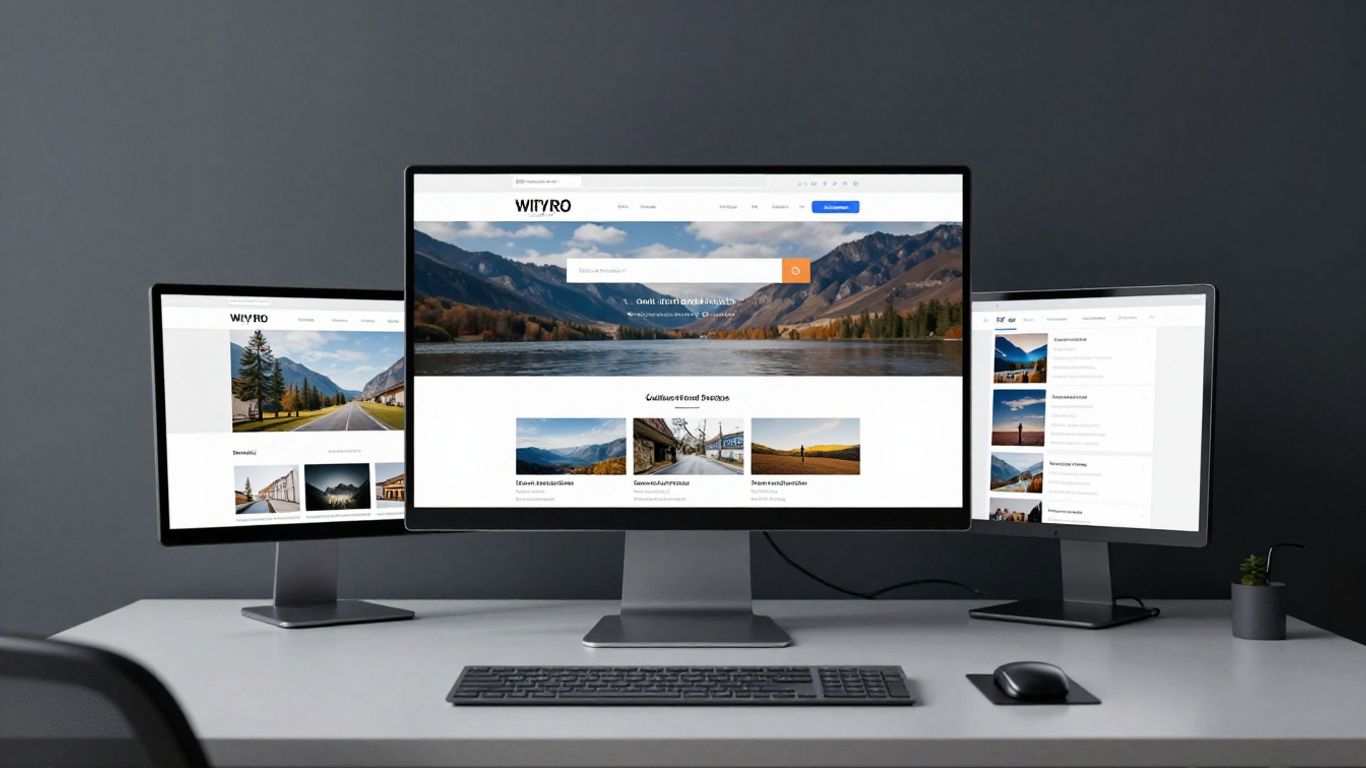
Streamline the path to purchase by removing unnecessary interactions.
Key Takeaways
Improving your digital booking flow is essential for arts organisations aiming to build lasting connections with their patrons. By focusing on friction reduction and intuitive design, you can significantly improve the conversion rate for your events.
Streamline the path to purchase by removing unnecessary interactions.
Prioritise mobile-responsive designs for ticket selection and payment.
Implement guest checkout options to prevent cart abandonment.
Ensure digital inclusivity through strict accessibility standards.
Utilise existing purchase data to build stronger audience relationships.
Streamlining the user journey
Designing a seamless experience starts with understanding the path a visitor takes from discovering an event to finalising their purchase. At Noran Design, we believe that removing barriers is the most effective way to grow your organisation's impact. Whether you are building a new design system or refining an existing interface, the objective is to maintain clarity throughout the process.
Minimising clicks to conversion
Each unnecessary click creates an opportunity for frustration or fatigue, frequently leading to cart abandonment. You should audit your current flow to remove redundant selection screens and consolidate information gathering into single, efficient steps.
Visualising availability and seating maps
Visual feedback is critical when patrons are selecting their preferred experience, as they need to understand their options at a glance. Providing a clear map allows users to make quick decisions, which keeps them moving forward toward the payment stage.
Feature | Benefit | Impact type |
|---|---|---|
Live Availability | Prevents disappointment | High |
Zoomable Maps | Improves spatial awareness | Medium |
Price Layering | Enhances transparency | High |
By ensuring these visuals are accurate and load instantly, you maintain user momentum during the selection phase.
Managing peak traffic expectations
Handling sudden surges in traffic requires a robust backend that can accommodate spikes without crashing. Implementing a queue system or a progressive loading strategy during high-demand moments ensures the site stays stable for everyone involved.
Optimising for mobile conversions
For many arts organisations, a large portion of event discovery and initial exploration occurs on handheld devices. It is vital to ensure that the interface remains functional and readable across all screen sizes.
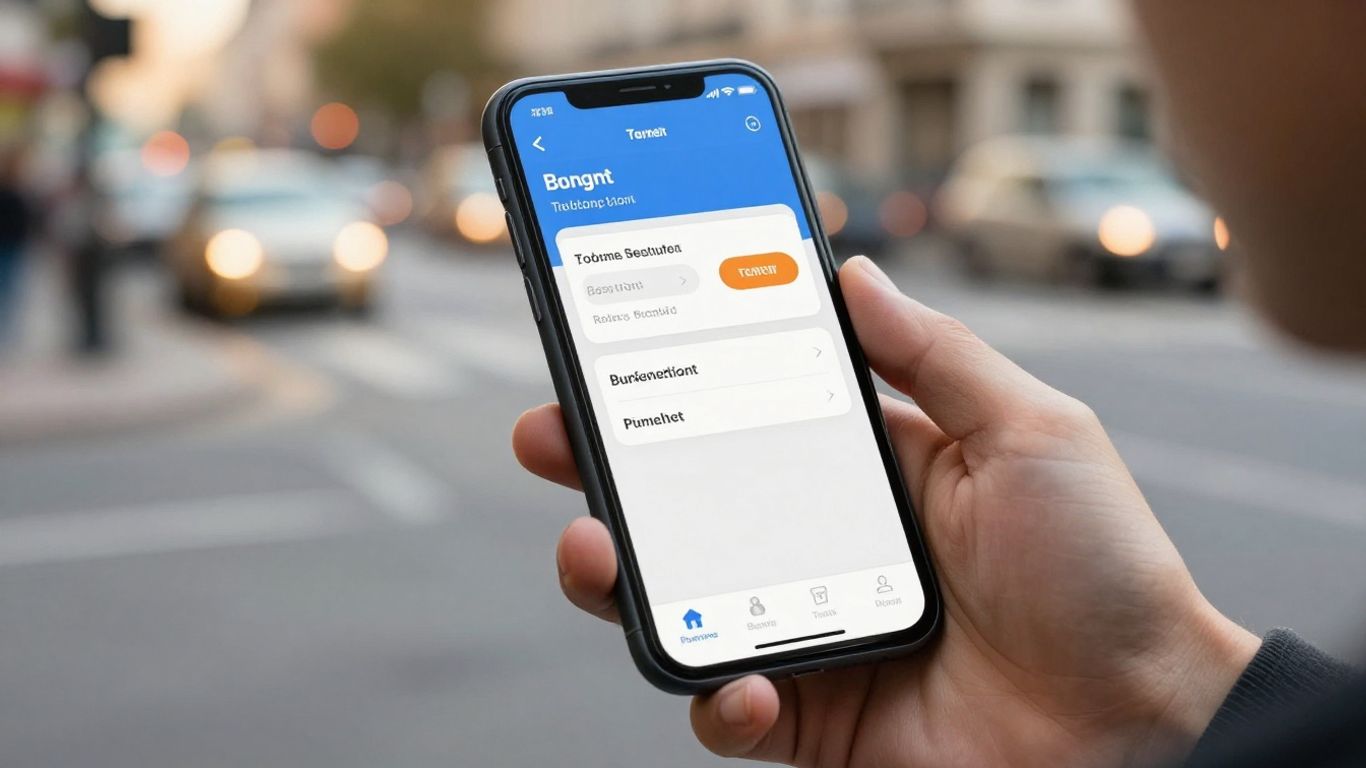
Responsive design for complex ticket types
Complex ticket packages, such as those involving recurring membership benefits or multi-event passes, require thoughtful layout design. Noran works with partners to build interfaces that collapse complex information into manageable, vertical lists that are easy for mobile users to process.
Integrating mobile-native payment gateways
Mobile users prefer payment methods like digital wallets that remove the stress of manual card entry. Ensuring your checkout flow supports these native options keeps the transition from selection to payment as smooth as possible.
Thumb-friendly interaction design principles
Designing for touch interfaces means acknowledging how physical interactions differ from desktop clicking. By creating larger targets and intuitive gestures, you ensure navigation is painless.
Increase touch target sensitivity to prevent accidental taps.
Place functional elements within natural thumb reach areas.
Use haptic feedback to confirm successful selections.
Avoid tight clusters of interactive links and buttons.
These adjustments make for a consistently high-quality experience regardless of the user's device orientation or screen size.
Simplifying the checkout process
Checkout should be a final step rather than a hurdle to be jumped. By focusing on concise workflows, you ensure that the excitement of an event isn't lost to long, tedious forms.
Implementing guest checkout options
Mandatory account creation is one of the most significant causes of lost ticket sales today. Offering a seamless guest checkout option allows first-time visitors to complete their purchase comfortably and return later to create an official account.
Reducing mandatory form fields
Collect only the data strictly necessary for processing the ticket.
Collecting unnecessary information throughout the checkout process creates a significant barrier for modern users who expect efficiency and quick completion when buying digital goods.
This balance helps maintain low abandonment rates while still gathering enough data to assist with future communications.
Clear communication of booking fees and taxes
Transparency builds trust, and unexpected fees at the very last moment are a common source of friction. Clearly stating all taxes and processing charges before the user confirms their purchase is the best way to maintain honesty and customer confidence.
Accessibility and inclusive design
Ensuring that your booking system is usable by everyone in your community is not just a legal requirement but a moral one. A truly open arts organisation is accessible online first, providing a high-quality visitor experience for all demographics.

WCAG compliance for booking systems
Adhering to established accessibility standards ensures that your site functions correctly with various assistive technologies used by individuals with disabilities. This is fundamental to ensuring your events are welcoming to all members of your cultural community.
Designing for screen reader compatibility
Screen readers rely on well-structured code to interpret content, so your site must contain descriptive labels for all interactive elements. Ensuring that alt-text is utilised for images and that heading hierarchies are logically ordered will keep your navigation compatible.
Providing alternative navigation methods
Some users may find point-and-click navigation difficult or impossible, making keyboard-based navigation an essential feature. Ensuring that every part of your booking process can be completed via clear keyboard shortcuts makes your site usable for a much wider audience.
Leveraging personalisation and data
Data is a powerful tool to enhance the experience, provided it is used to offer genuine value to your patrons. By understanding preferences, you can transform a simple booking into a long-term relationship.
Using purchase history for relevant cross-selling
suggesting events based on past history is one of the most effective ways to drive audience loyalty. When done thoughtfully, this provides users with recommendations that feel genuinely helpful.
Dynamic pricing and personalised offers
Dynamic pricing can ensure that your inventory is managed effectively, while personalised offers allow you to provide value based on individual customer interests. This ensures each patron feels recognised and appreciated.
Balancing data collection with user experience
Ask for data sparingly and always explain why the information is being gathered. When users see that their data leads to a better service, they are much more willing to participate.
Post-booking engagement strategies
Your relationship with a visitor does not end when they purchase a ticket. Instead, you should consider the confirmation and pre-visit phase as key opportunities to build excitement.
Automated confirmation and digital ticketing
Instant confirmation provides peace of mind and, when coupled with a mobile-ready digital ticket, removes the need for physical printing. This small change simplifies the entry process significantly for both your staff and your audience.
Managing expectations with pre-visit information
Providing clear details about what to expect on the day of the event helps visitors arrive feeling prepared. This could include transport advice, arrival times, or venue amenities that make their experience smoother.
Using surveys to refine the user experience
After a visit, surveys allow you to understand what went well and where improvements might be needed. This loop of feedback is the engine that drives continuous improvement for your arts organisation.
Conclusion
By focusing on how to improve your arts organisation's online booking experience through thoughtful, user-centric design, you create a foundation for long-term growth and connection. When you remove friction from the journey and prioritise accessibility, you not only increase ticket sales but also foster a deeper sense of community among your patrons. A well-designed digital platform acts as the bridge that leads your audience from simple curiosity to a lifetime of engagement with your cultural mission.
Frequently Asked Questions
Why is a fast booking process important for arts organisations?
A quick and efficient booking process reduces user friction, which lowers the likelihood of shoppers abandoning their tickets before the transaction is complete.
How can I make my booking site more inclusive?
You should implement features like screen reader support, keyboard-friendly navigation, and clear visual contrast to ensure everyone can easily complete their purchase.
Should I always require account creation during checkout?
Requiring an account often discourages new visitors; consider allowing guest checkout to simplify the process and increase conversion efficiency.
What role does mobile design play in ticket sales?
Since most users explore event options on their phones, a responsive design ensures that visitors have a functional and easy-to-use experience regardless of their screen size.
How can data help improve future bookings?
Using purchase data allows you to provide relevant recommendations and personalised experiences that make patrons feel recognised and more likely to return.
What is the advantage of digital ticketing?
Digital tickets provide an immediate sense of confirmation and convenience, allowing patrons to store their entry passes directly on their mobile devices without needing paper.
How do I balance gathering data with user privacy?
Focus on collecting only the information strictly necessary for the booking and communicate clearly how their data will be used to improve their experience.